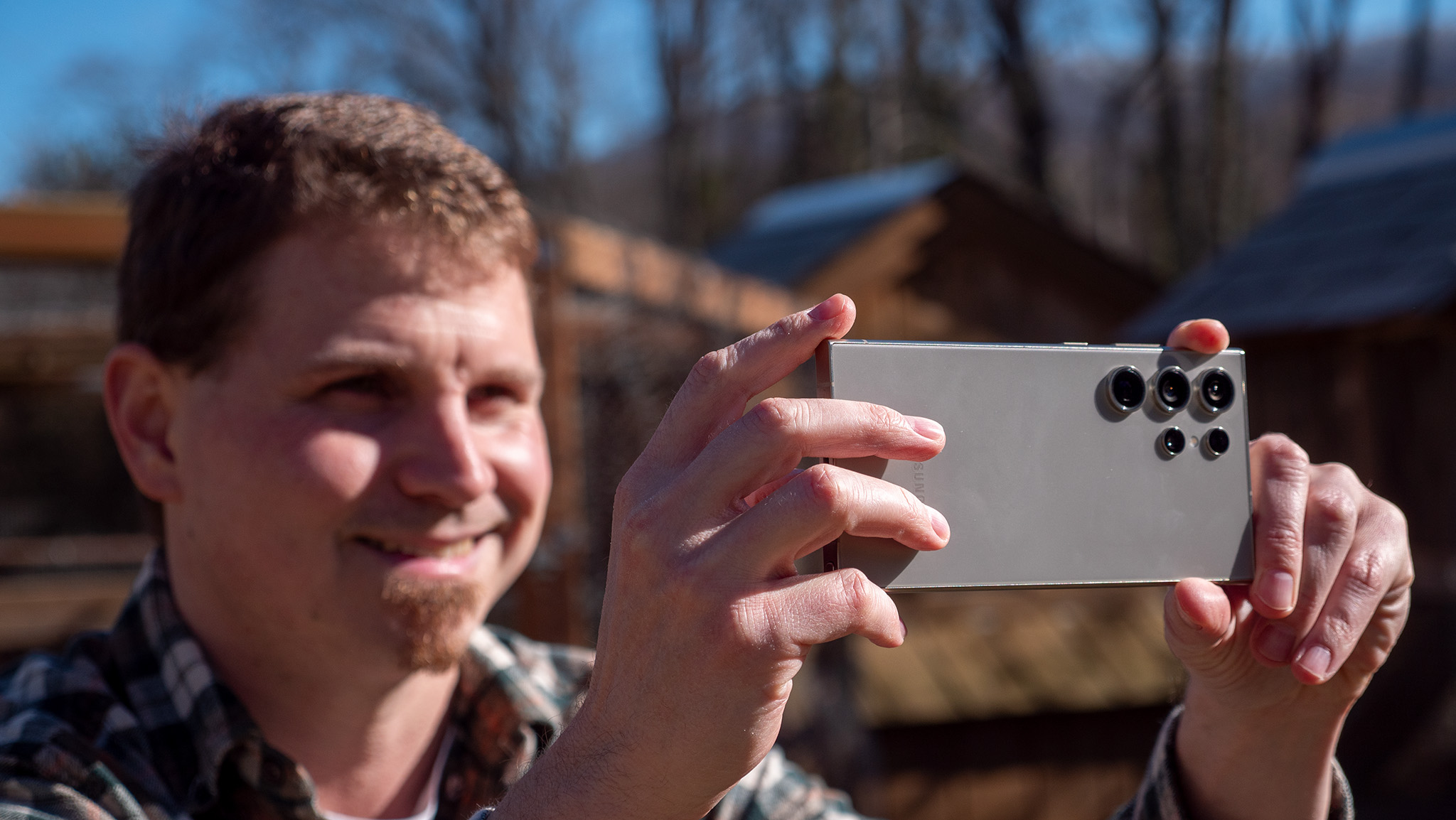
Samsung is one of the biggest OEMs out there and has a lot to offer when it comes to customization. You can customize so much of the phone out of the box, but if you want even more options, you can use Samsung's Good Lock app to personalize your Samsung even more.
Good Lock lets you download modules that focus on different aspects of your smartphone experience. Samsung's Camera Assistant adds additional settings to the default Camera app. These settings are baked into the camera app, meaning you won't have to go to a separate app like Expert RAW to access additional camera functionality on Samsung phones.