
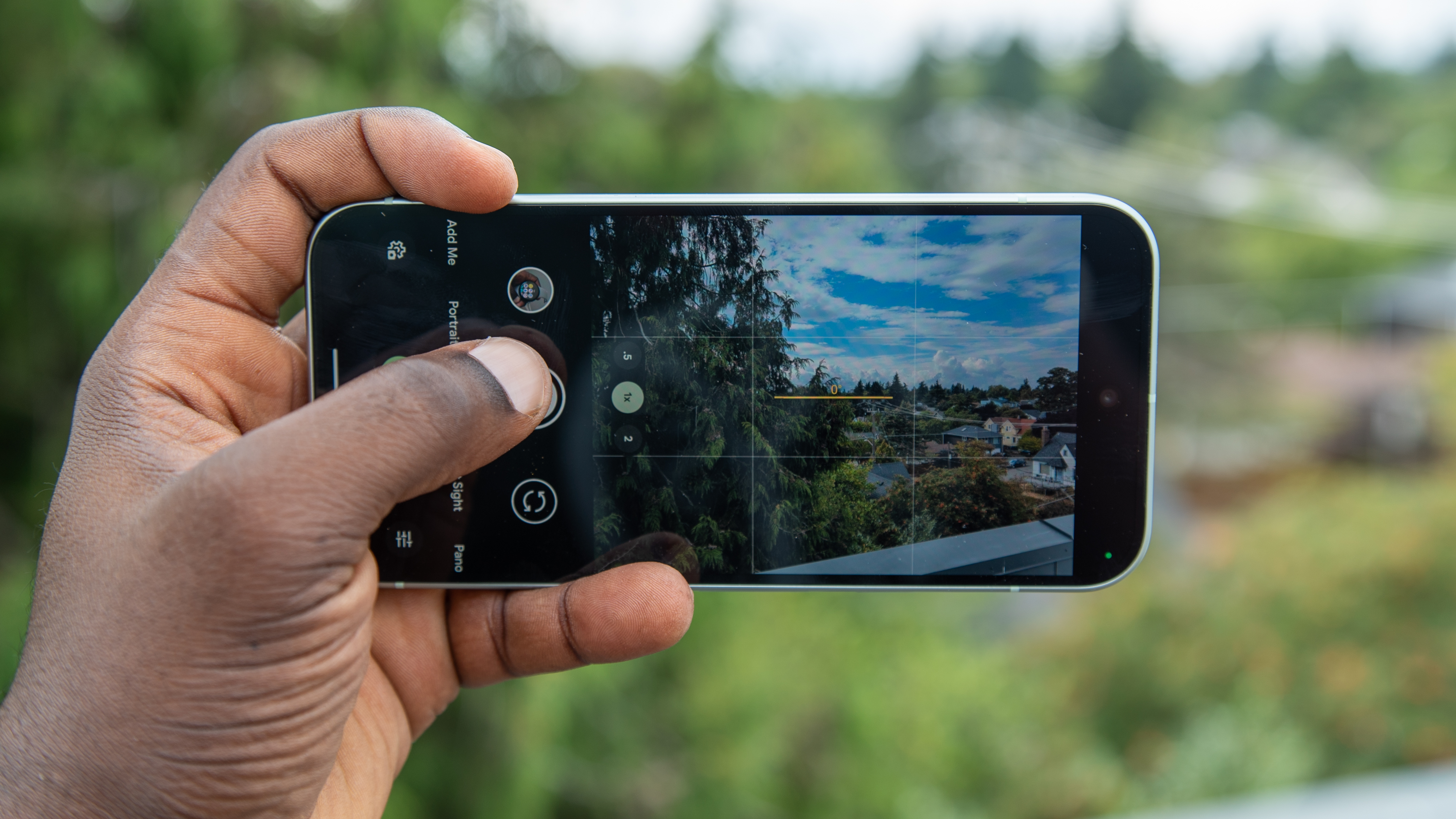
Have you ever wanted to take a group photo without being the one left out? With the Google Pixel 9 series, there's a new option besides taking an awkward selfie, asking a stranger for help, or leaving someone out. Google introduced a feature called Add me with the Pixel 9, and it uses AI to merge two photos together, allowing everyone to be in the shot.
That might sound tricky, but the Pixel Camera app offers detailed instructions and visual aids to help line up each photo just right. While there are some clues that Add Me photos aren't quite the real thing, they turn out pretty great considering the circumstances and allow everyone to be included. If you're eager to try Google's newest advanced camera feature, this guide will walk you through the process step-by-step on your Pixel 9 series phone.




