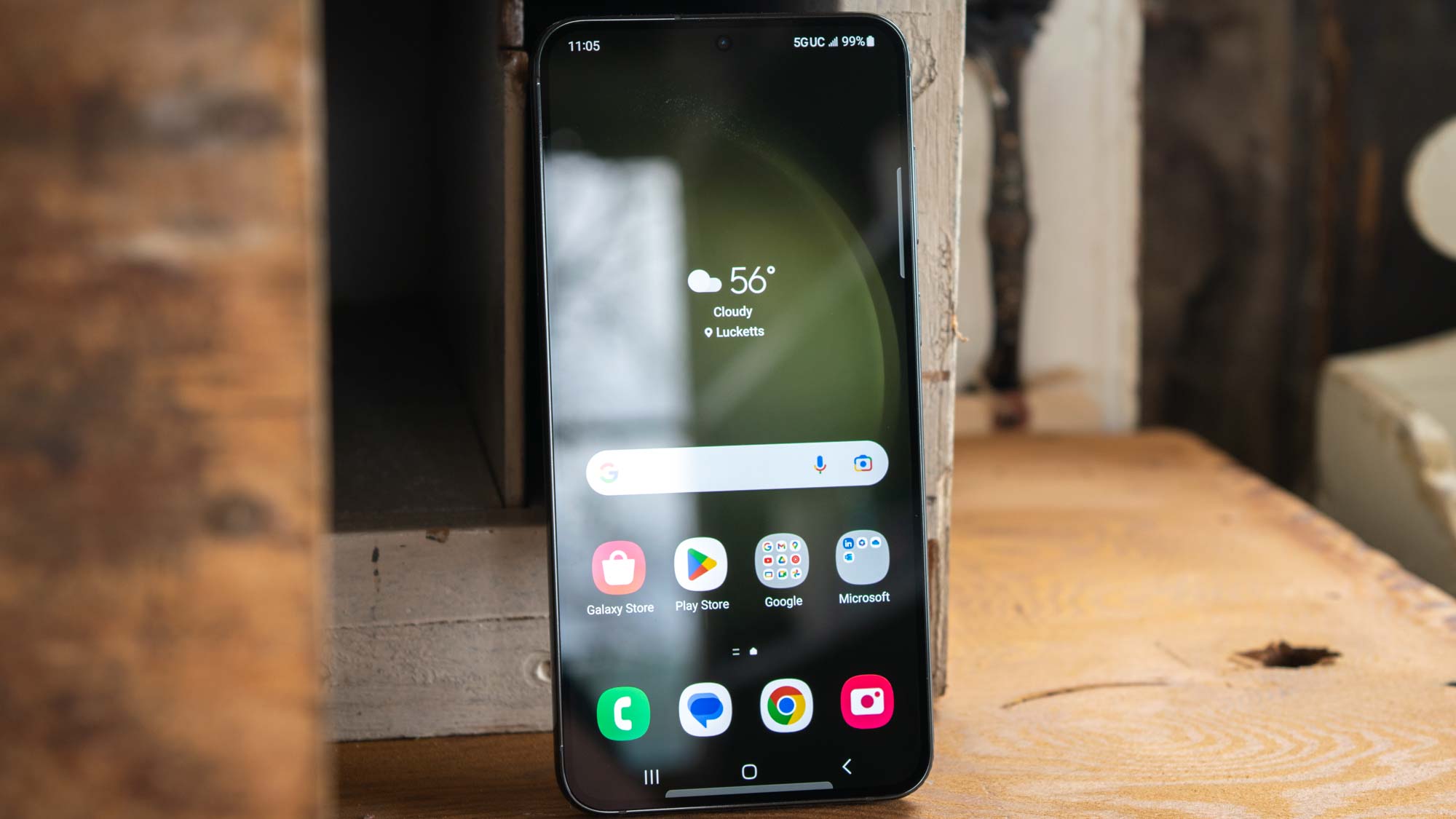
You'll want to make sure you know how to update a Samsung Galaxy smartphone, if you own one. Whether you're the proud owner of a top-of-the-line Samsung Galaxy S23 Ultra, or a super cool Galaxy Z-Flip 4, keeping your device updated is crucial to maintaining its security and performance. It won't remain one of the best phones if you don't keep it fully updated.
When manufacturers roll out updates to a phone's operating system, those update contain vital security patches to safeguard you against the latest and most malicious malware. They also contain optimizations to ensure your device is working at its best, especially when it's getting a little older. Of course, updating the OS also allows you to access the latest and greatest features that Samsung has to offer.