Get all your news in one place.
100's of premium titles.
One app.
Start reading
Tom’s Guide
Tom’s Guide
Technology
Kaycee Hill

How to unlock Roku’s hidden Sports mode for a better World Cup experience

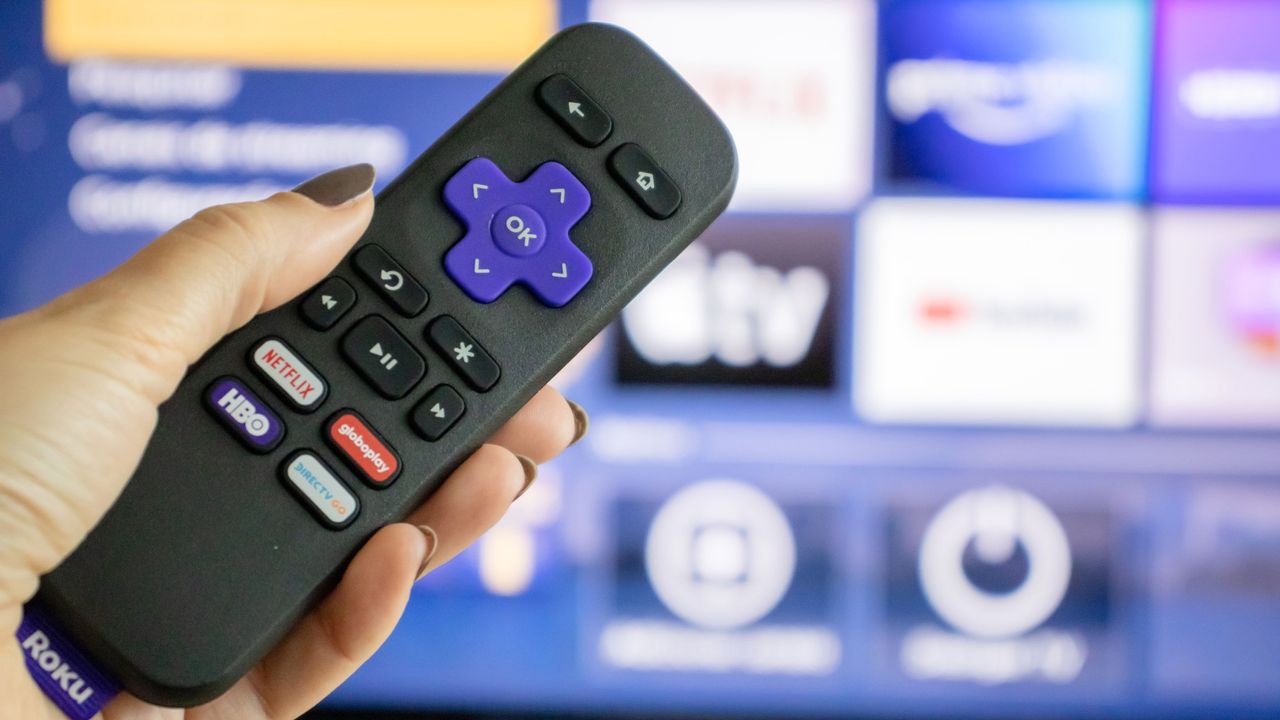
Roku remote in front of TV .

Watching the World Cup on your Roku TV should be crisp and clear. Fast-moving action shouldn't blur across the screen or leave trails behind the ball. But if you're using your TV's default picture settings, that's exactly what happens.

Default settings are designed for movies and everyday viewing, not action-heavy sports broadcasts like the World Cup. Two simple adjustments fix this problem immediately: Switch to Sports mode and enable Action Smoothing to reduce blur during fast camera pans.

Sign up to read this article
Read news from 100's of titles, curated specifically for you.
Already a member? Sign in here
Related Stories
Top stories on inkl right now
One subscription that gives you access to news from hundreds of sites
Already a member? Sign in here
Our Picks
Fourteen days free
Download the app
One app. One membership.
100+ trusted global sources.