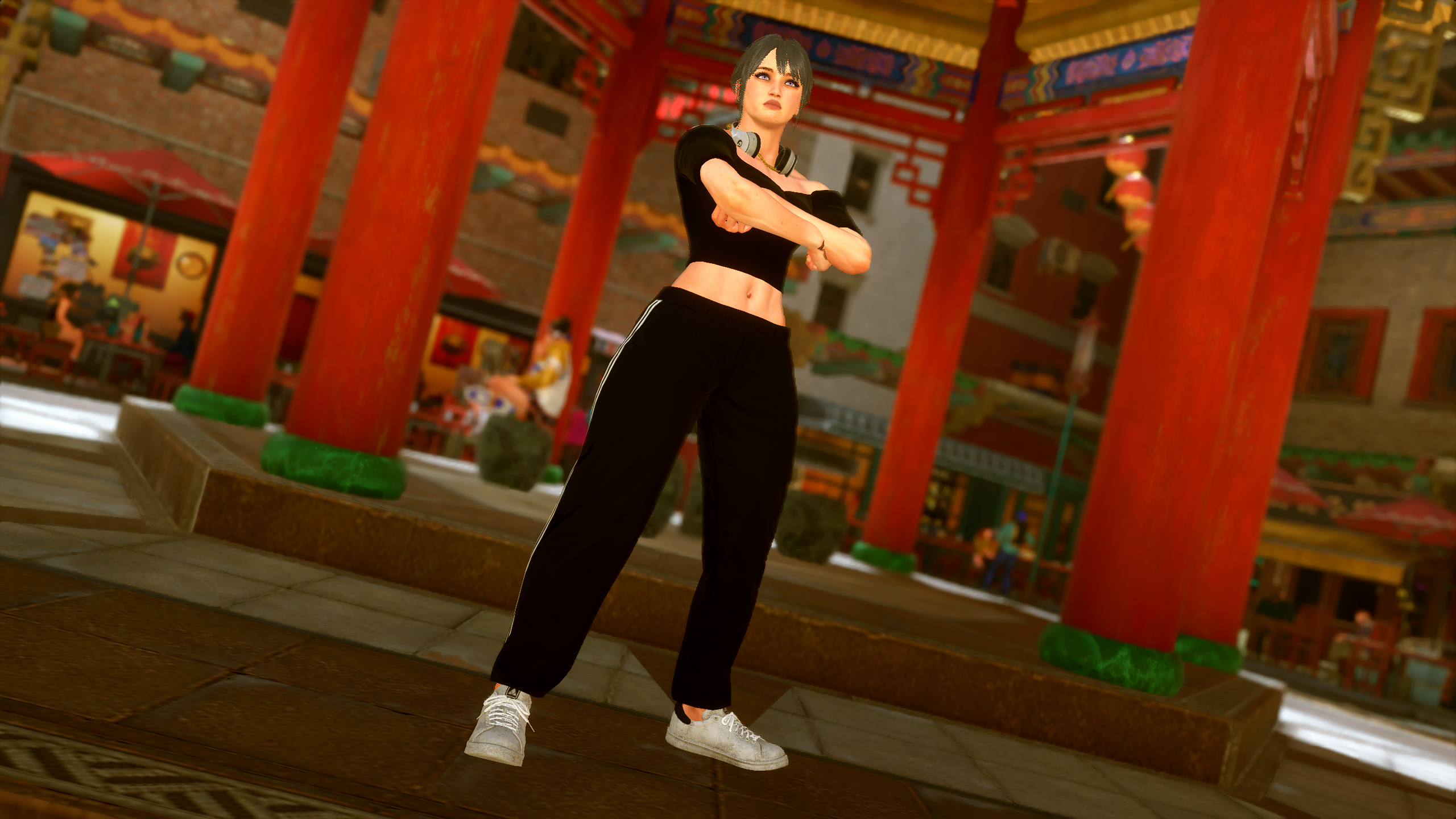
Street Fighter 6 has one of the lowest barriers to entry for a fighting game, and that's thanks to providing two control scheme choices. Classic will appeal to the majority of longtime Street Fighter fans, retaining the movement and inputs they all know and love. Capcom has also created the Modern control scheme, a slightly simplified version that can automatically input combo strings, condenses the number of buttons, and takes away some of the more complex movement.
It's a great addition for those who are just getting started out in the 2D fighting world, and as a result, Capcom has set everyone's control scheme to Modern by default. Not everyone will want that though, and finding the settings to change it is surprisingly unintuitive. Those looking to default to Classic controls will have to sift through a couple of menus to change it, with the online Battle Hub and singleplayer World Tour modes having different ways of toggling it.