Get all your news in one place.
100's of premium titles.
One app.
Start reading
Windows Central
Windows Central
Technology
Mauro Huculak

How to transfer your Windows 11 setup to a new hard drive — no extra app required

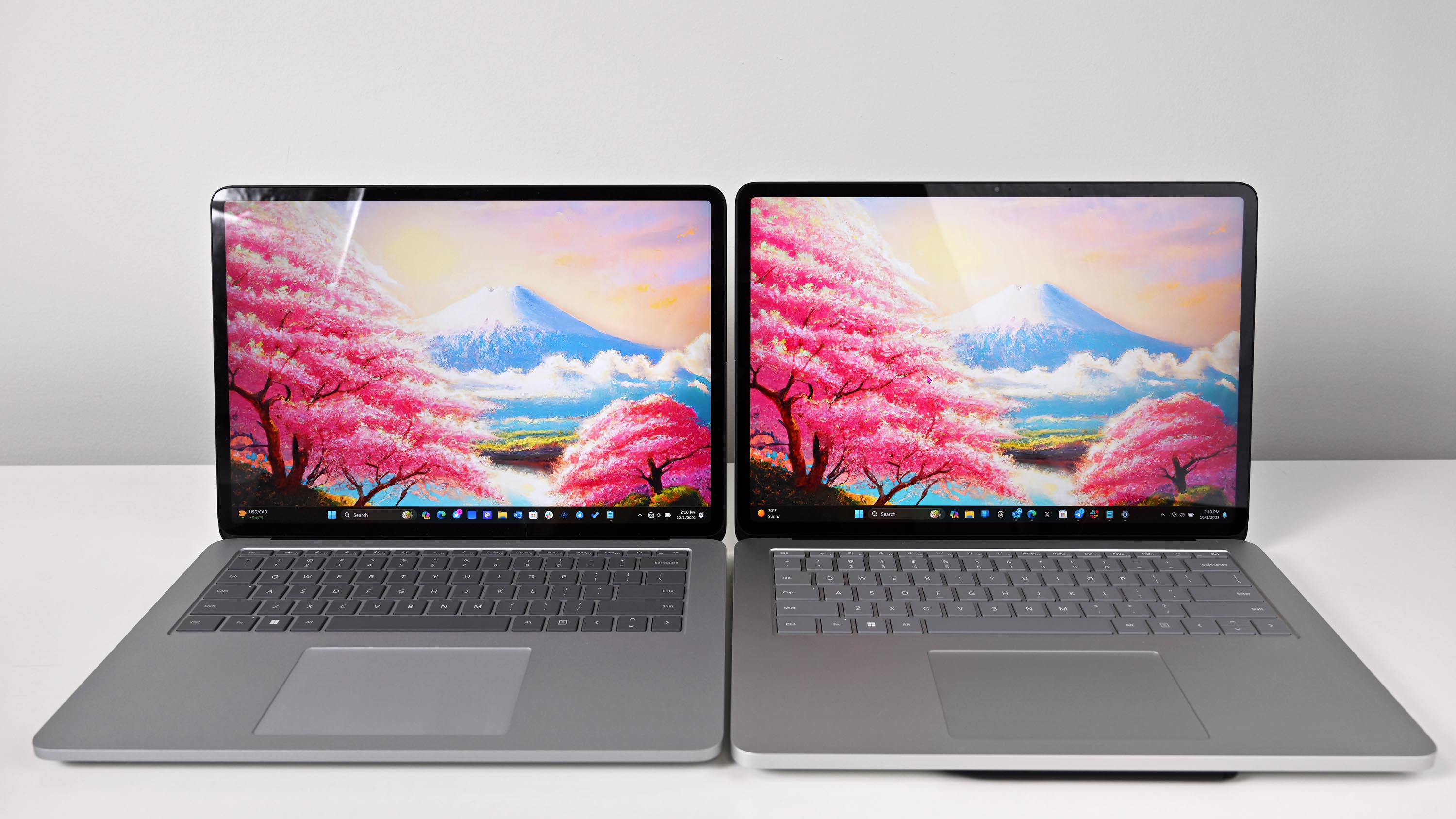
Surface Laptop Studio 2 photos.

If you have a computer running Windows 11, the day will come when you may have to upgrade the hard drive because it's running out of space or reaching the end of its lifespan (usually three to five years). The recommended option would be to replace the drive and perform a clean installation, but if you must keep the same installation, you can move the current setup to the new drive.

Regardless of the reason, you can complete this process using the built-in Backup and Restore feature available on Windows 11.

Sign up to read this article
Read news from 100's of titles, curated specifically for you.
Already a member? Sign in here
Related Stories
Top stories on inkl right now
One subscription that gives you access to news from hundreds of sites
Already a member? Sign in here
Our Picks
Fourteen days free
Download the app
One app. One membership.
100+ trusted global sources.