
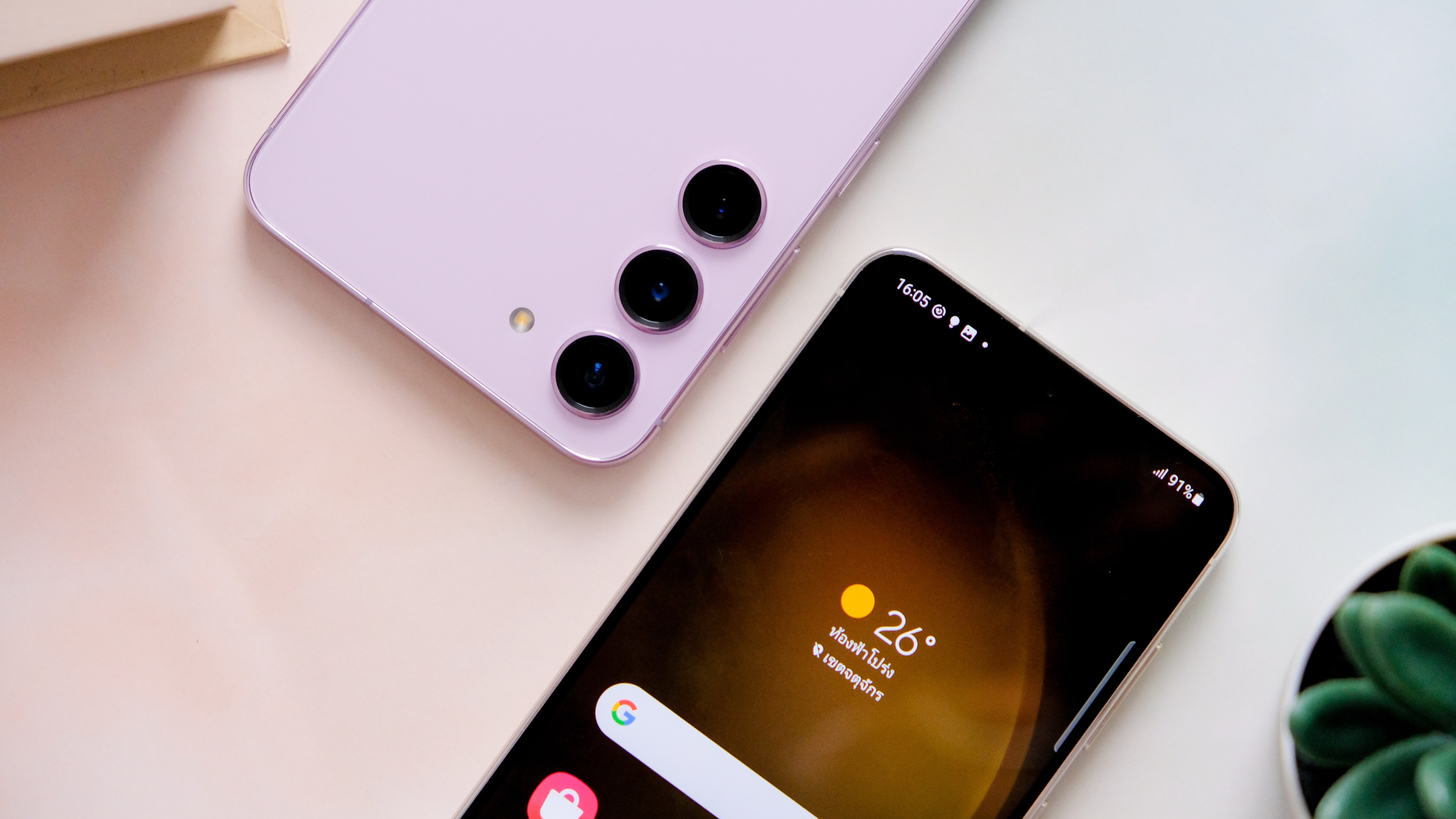
Depending on when you’re reading this, Samsung’s highly anticipated Samsung Galaxy S24 phones are either just around the corner or sitting pretty in the window of your local smartphone store. In either case, you’re here because you want to know how to transfer your data to a new Samsung Galaxy phone (S24 or otherwise), and in this guide, we detail the steps required to do just that.
Before we start, it’s worth noting that there are three distinct ways to transfer your data to a new Samsung Galaxy phone – you can do so via Wi-Fi, a USB-C cable, or your computer – but all three methods use Samsung’s proprietary Smart Switch software, which requires Android 4.3 or later (on both devices) to function.




