Get all your news in one place.
100's of premium titles.
One app.
Start reading
Tom’s Guide
Tom’s Guide
Technology
Don Reisinger

How to set up screen mirroring on Fire TV

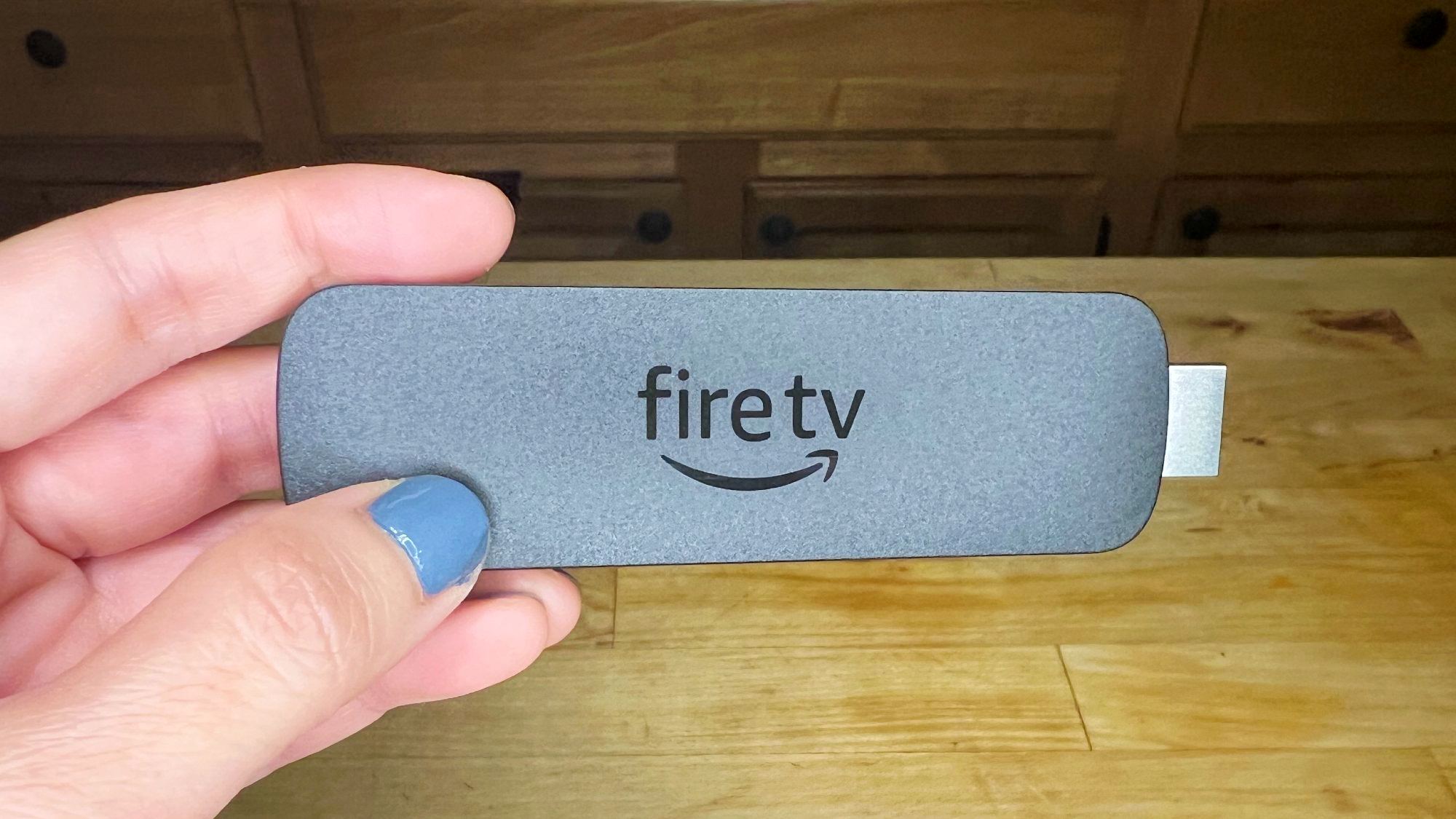
Fire TV Stick 4K Max (2nd gen) closeup.

If you want to get the most out of your Amazon Fire TV, having the ability to share your screen whether you’re in a meeting or just wanting to show friends what you’re looking at on your phone is always a worthwhile option.

That feature, called screen mirroring, allows you to beam your computer, tablet, or phone’s screen to your set-top box. As you continue to interact with your phone or other device, all of your movements will be shown in real-time on your television.

Sign up to read this article
Read news from 100's of titles, curated specifically for you.
Already a member? Sign in here
Related Stories
Top stories on inkl right now
One subscription that gives you access to news from hundreds of sites
Already a member? Sign in here
Our Picks
Fourteen days free
Download the app
One app. One membership.
100+ trusted global sources.