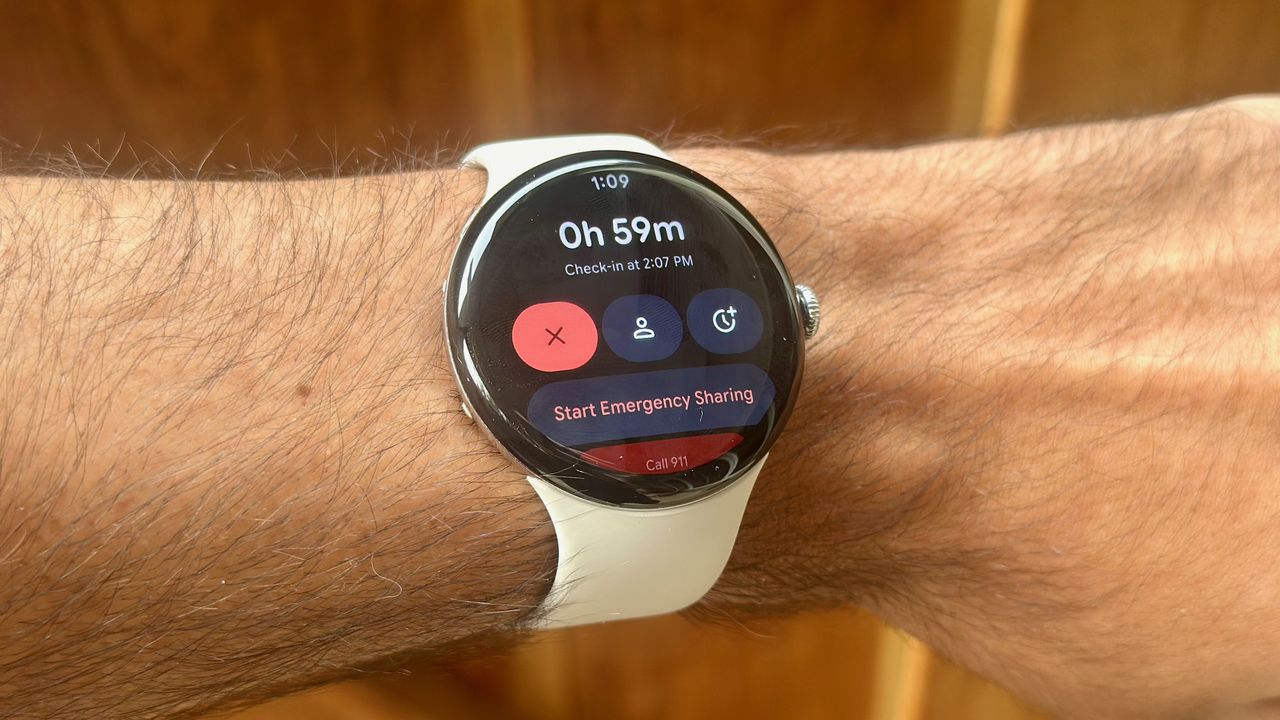
The Google Pixel Watch 4 and older models prompt you to set up life-saving safety and emergency features. Since you probably skipped that step to start playing with your new smartwatch, you need help setting up these features now, so that your Watch 4 can signal for help during a crisis, even in cellular dead zones.
You can update your emergency and medical info in two places. On your Pixel Watch 4, swipe down from the main watch face, tap the Settings cog icon, and scroll down to the Safety & Emergency menu. Or in the Pixel Watch mobile app, if your smartwatch is synced via Bluetooth, you'll find the same Safety & Emergency menu under Settings on the main app page.