Get all your news in one place.
100's of premium titles.
One app.
Start reading
Android Central
Android Central
Technology
Judy Sanhz

How to set up and use the Now Bar on the Samsung Galaxy S25

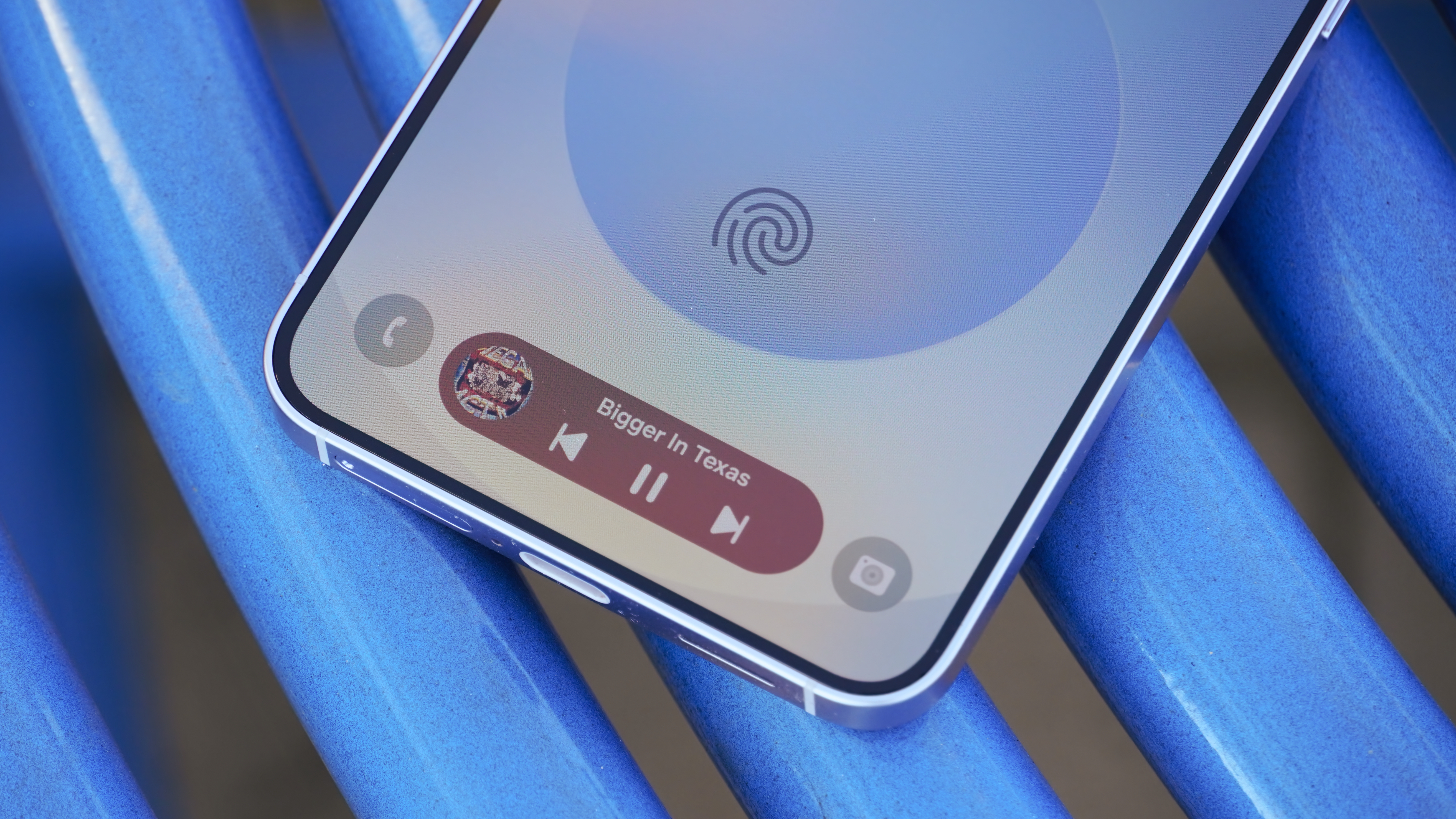
A photo of the Samsung Galaxy S25 outdoors.

When you know how to set up and use the Now Bar on the Samsung Galaxy S25, you unlock a world where you can continue to control and view updates on certain apps without unlocking your phone — saving you valuable time, especially when you're in a hurry.

Thanks to the Now Bar, you can access features like music controls, live updates, modes, and routines. Samsung created the feature to give instant access to certain apps and tools, including Now Brief. But before you start using the feature on your Galaxy S25, ensure you have it enabled in your phone's settings.

Sign up to read this article
Read news from 100's of titles, curated specifically for you.
Already a member? Sign in here
Related Stories
Top stories on inkl right now
One subscription that gives you access to news from hundreds of sites
Already a member? Sign in here
Our Picks
Fourteen days free
Download the app
One app. One membership.
100+ trusted global sources.