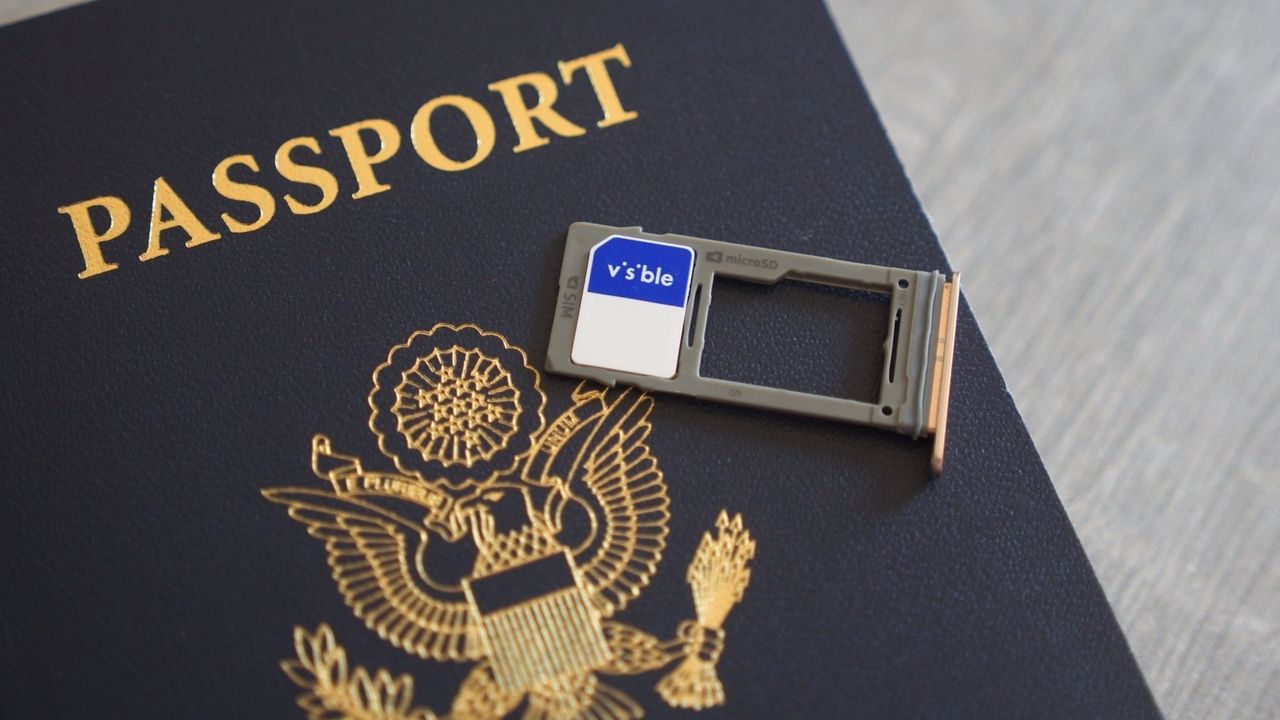
It's important that you know how to set up and use eSIM on Android, especially if you're planning an overseas trip soon. With a number of carriers (both in the United States and around the world) offering eSIM functionality for new and existing customers, it's really no surprise that an increasing number of modern smartphones come with eSIM support these days. In fact, the Google Pixel 10 does away with a physical SIM slot altogether (at least for the models sold in the United States), solely relying on dual eSIM support for mobile connectivity.
There are several advantages of eSIM, with seamless carrier switching arguably being among the biggest. An eSIM also makes it easier to activate a secondary number on your phone. However, since there's no physical SIM card involved and the activation process is software-based, it can often be confusing. Fret not, as we're here to help. Here's all you need to know about eSIM, and how to get one running on your Android phone.