Get all your news in one place.
100's of premium titles.
One app.
Start reading
Android Central
Android Central
Technology
Michael L Hicks

How to set up and optimize your new Google Pixel Watch 4: The 12 essential features to customize out of the box so you can get the most out of Google's latest smartwatch

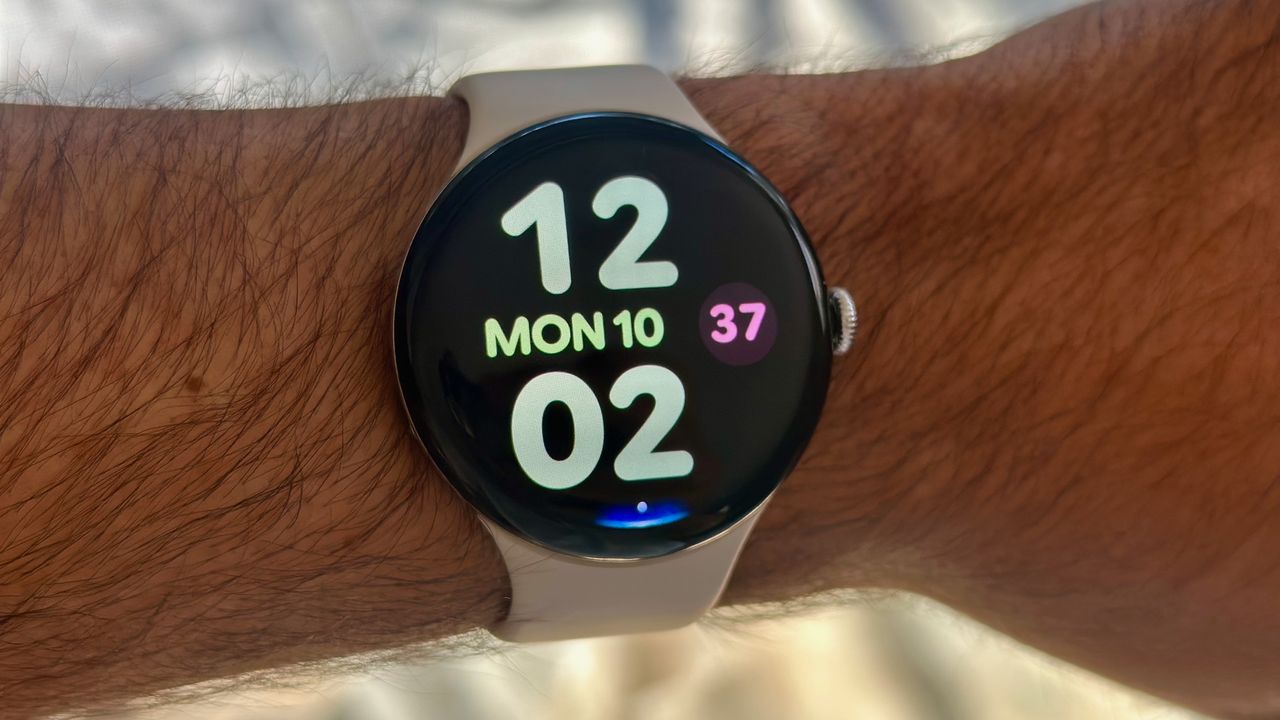
A photo of the Google Pixel Watch 4 on a man's wrist showing the Bold Utility watch face with large, colorful clock numbers and day/date info. At the display bottom is a blue Gemini Raise to Talk indicator.

The Google Pixel Watch 4 is jam-packed with features, enough that it's hard to keep track of everything you can, or should, be doing with your new smartwatch! Since I've been using it for months, even after my Pixel Watch 4 review, I can help you get started.

Google takes you through the basics during the initial Watch 4 setup, like connecting your Google email or syncing it with the Fitbit app. This Pixel Watch 4 beginner's guide will focus on features you're expected to find on your own.

Sign up to read this article
Read news from 100's of titles, curated specifically for you.
Already a member? Sign in here
Related Stories
Top stories on inkl right now
One subscription that gives you access to news from hundreds of sites
Already a member? Sign in here
Our Picks
Fourteen days free
Download the app
One app. One membership.
100+ trusted global sources.