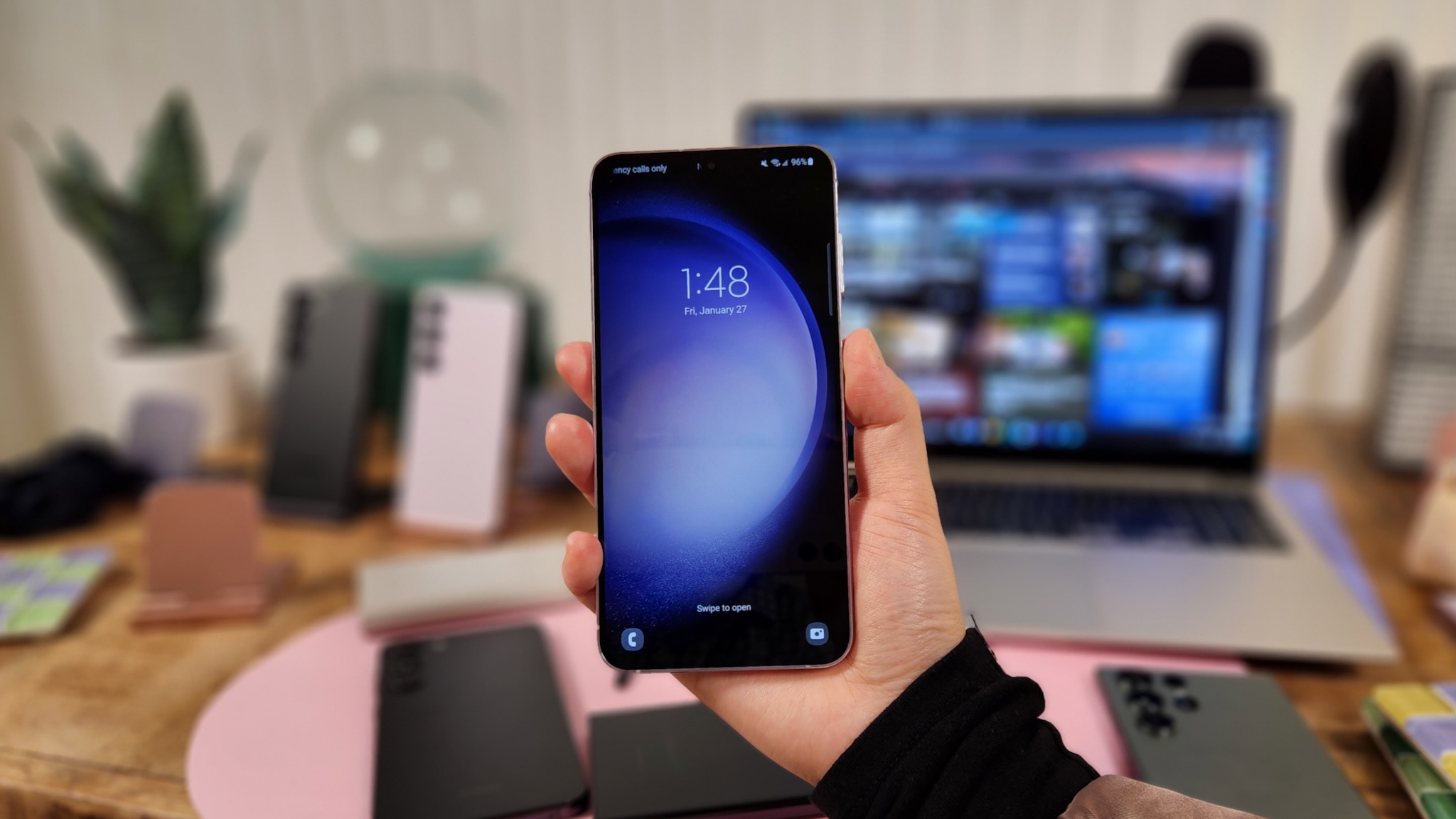
There are many ways to customize your smartphone experience to make your device your own. Changing the lock screen is just one way to do so, as it's often the first thing you'll see when you turn on or wake your device. And while a simple photo is enough for some, Samsung lets you add a video to your lock screen for added flair.
This feature has been available for some time on Samsung phones, allowing anyone with a Galaxy device to easily add a video wallpaper to their lock screen. It's also a nice feature to know about for anyone who just picked up a new Galaxy S23 Ultra, which can show off your video lock screen on its big, bright display. Here's how you do it.