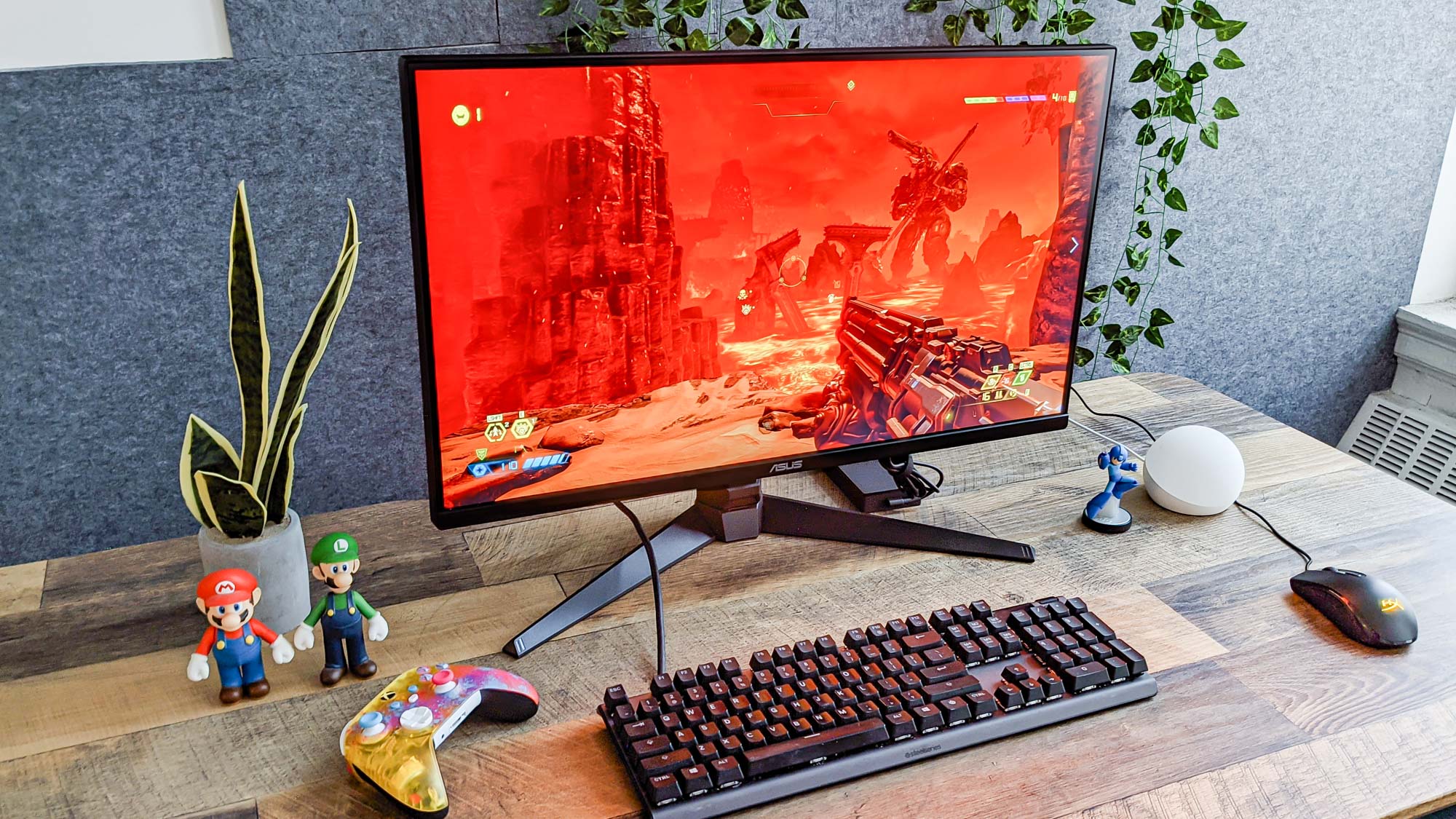
Knowing how to see frames per second (FPS) in games on PC will help you understand your computer's performance and enable you to get the best results you can while gaming.
At faster fps speeds, movement appears smoother on screen. As such, if your games are only running at a slow FPS, they'll appear choppy. You'll want around 30FPS to make a game playable, although ideally you'll want at least 60FPS for smooth graphics. Aiming for any higher than that will only be necessary if your monitor has a higher refresh rate than 60Hz (more on that at the end of this article).