Expert tip: object positioning
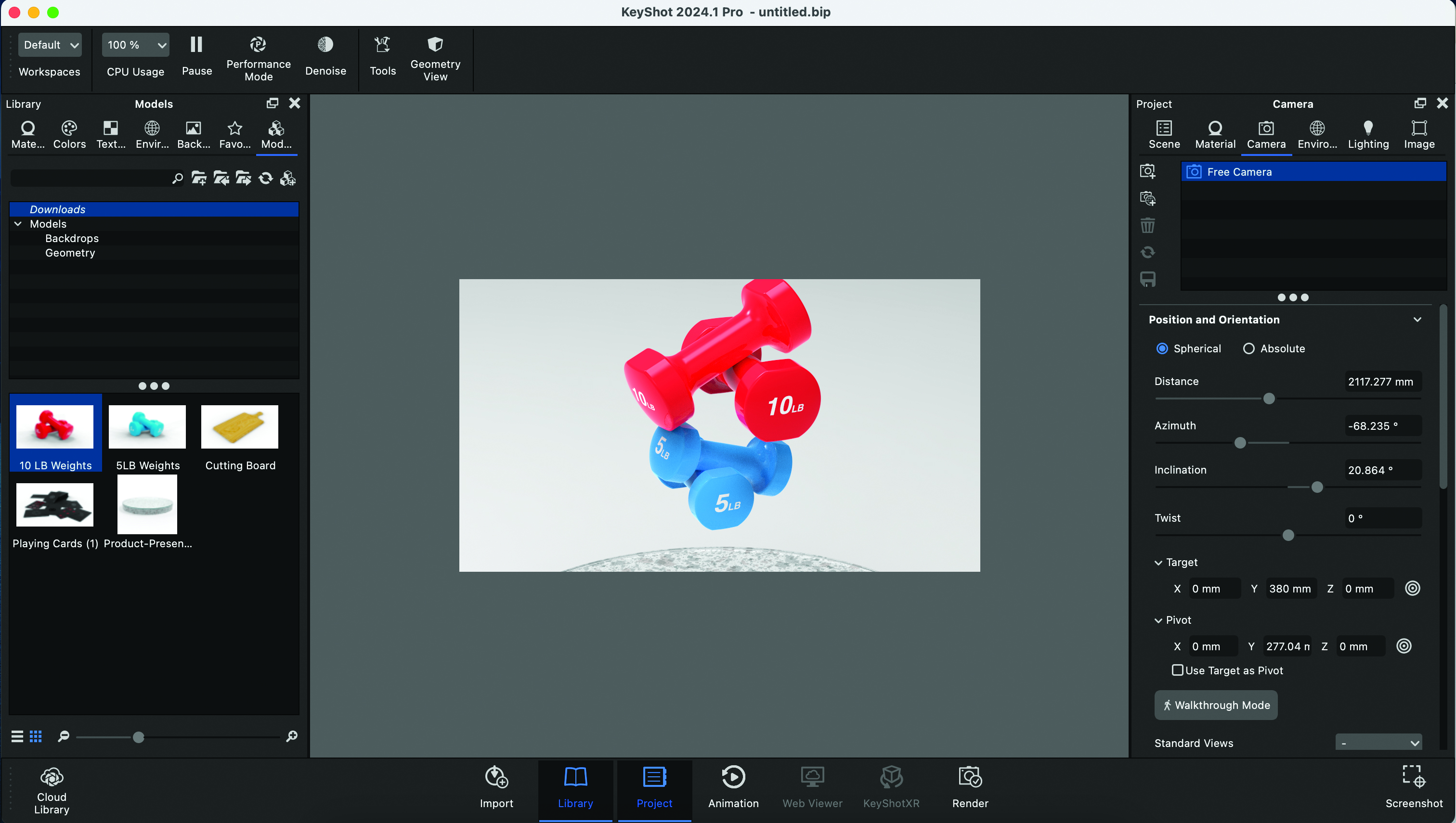
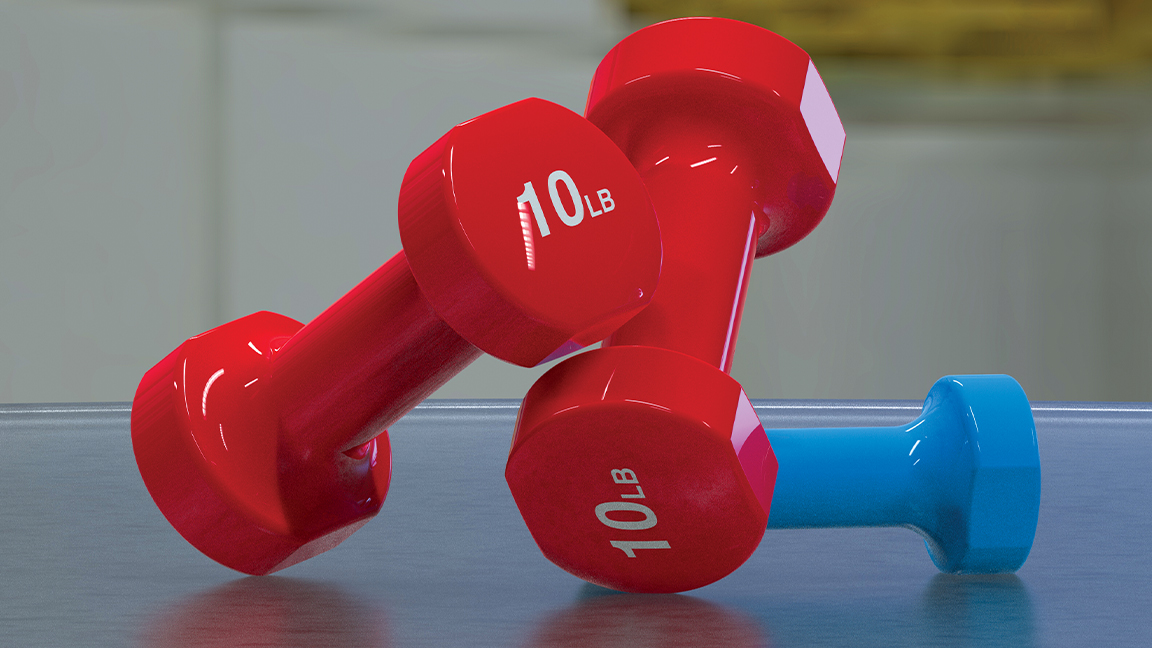
The final location of your simulated objects will depend largely on where, in 3D space, they’re located prior to the simulation taking place. Give some thought to how your objects might interact with each other. You can always re-run simulations if the result isn’t what you’re after, but you can get a better outcome with a bit of thought.
Being able to simulate objects in 3D is an incredibly useful ability. One of the primary benefits is that it provides the ability to animate objects interacting with each other. Something that would have taken ages to keyframe can suddenly be achieved in a matter of minutes. There’s something god-like in the ability to set something in motion and enjoy the simulated results moments later.