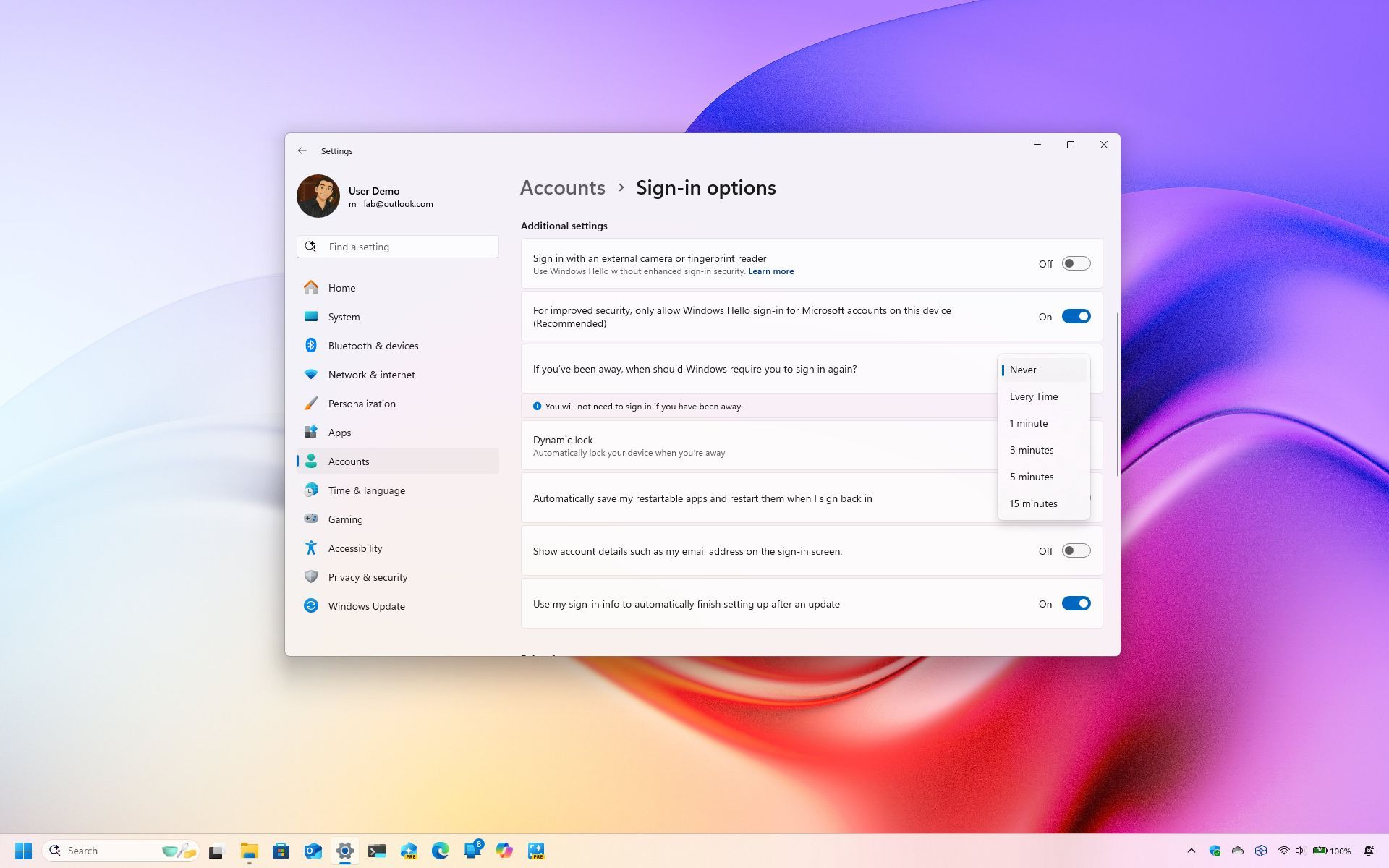
On Windows 11, the computer will lock the system automatically after a period of inactivity to minimize the chances of someone else trying to access your device when you're not near your desk. However, if you're in a secure environment or privacy isn't much of a concern, you can customize the system settings to prevent your computer from locking up automatically.
The settings you have to change will depend on the features you have configured on your computer and how you want to prevent the computer from locking automatically.