
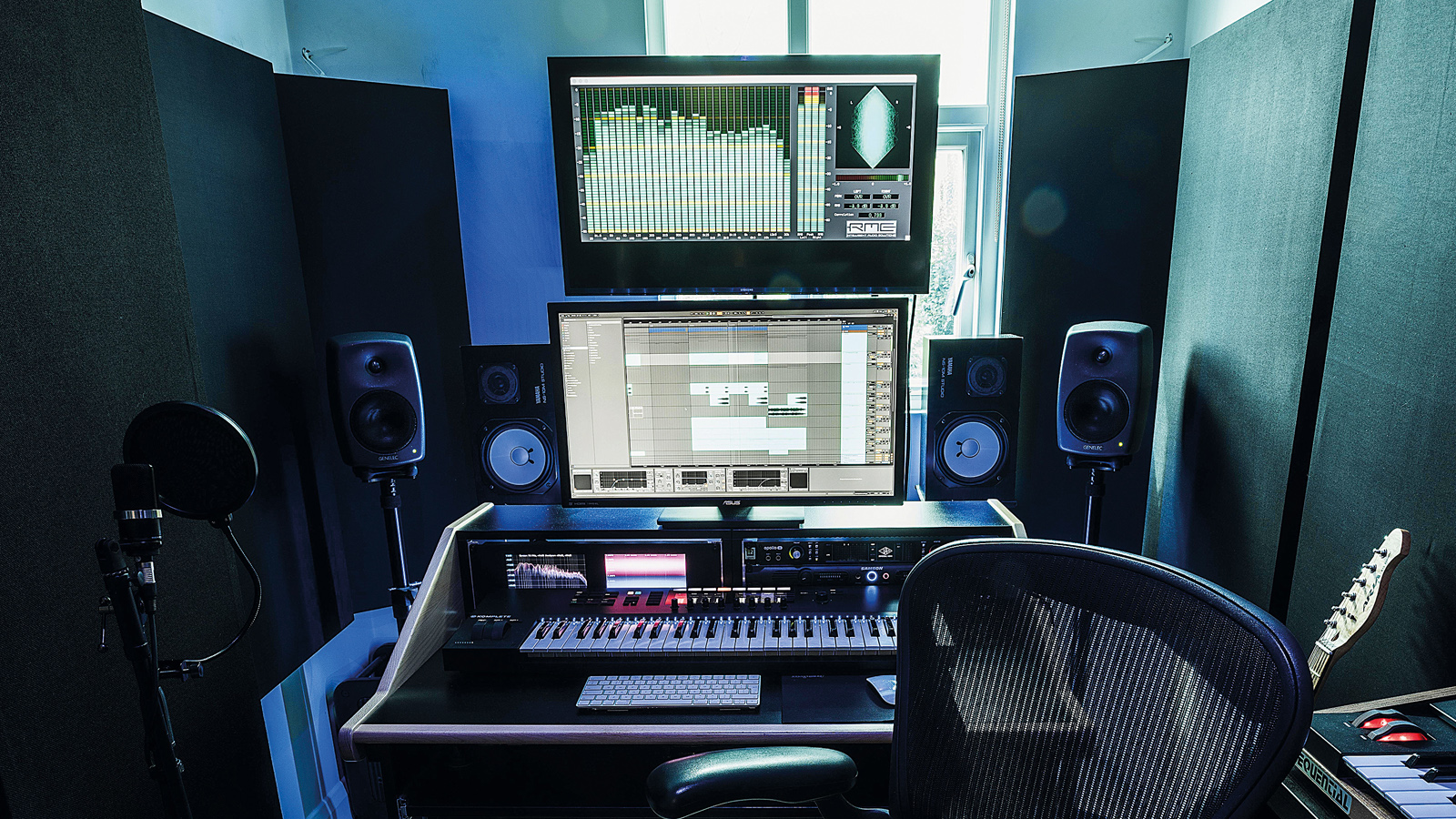
It’s every producer’s worst nightmare. You’re putting the finishing touches on that dense mix with loads of tracks, VSTs, and plugins only for playback to be ruined by pops, glitches, and dropouts from your PC. But hold off on financing that expensive new machine prematurely, because with a bit of digging into the backend of your system and some spring cleaning, there’s every chance you can get your PC back in the game. In this article, we're going to show you step-by-step how to optimize your PC for music production.
Hitting the limitations of your machine can be a painful feeling, but many musicians - and most general users - never fully utilize the desktop machines they already have. When that bloated, tired PC stops performing, many users assume it’s beyond saving and a new one is required. But speaking from personal experience, we’ve had the same music production PC for coming up to ten years now, and it’s still performing just as well as the day we got it. Why? Because we regularly clean, update, and maintain it.