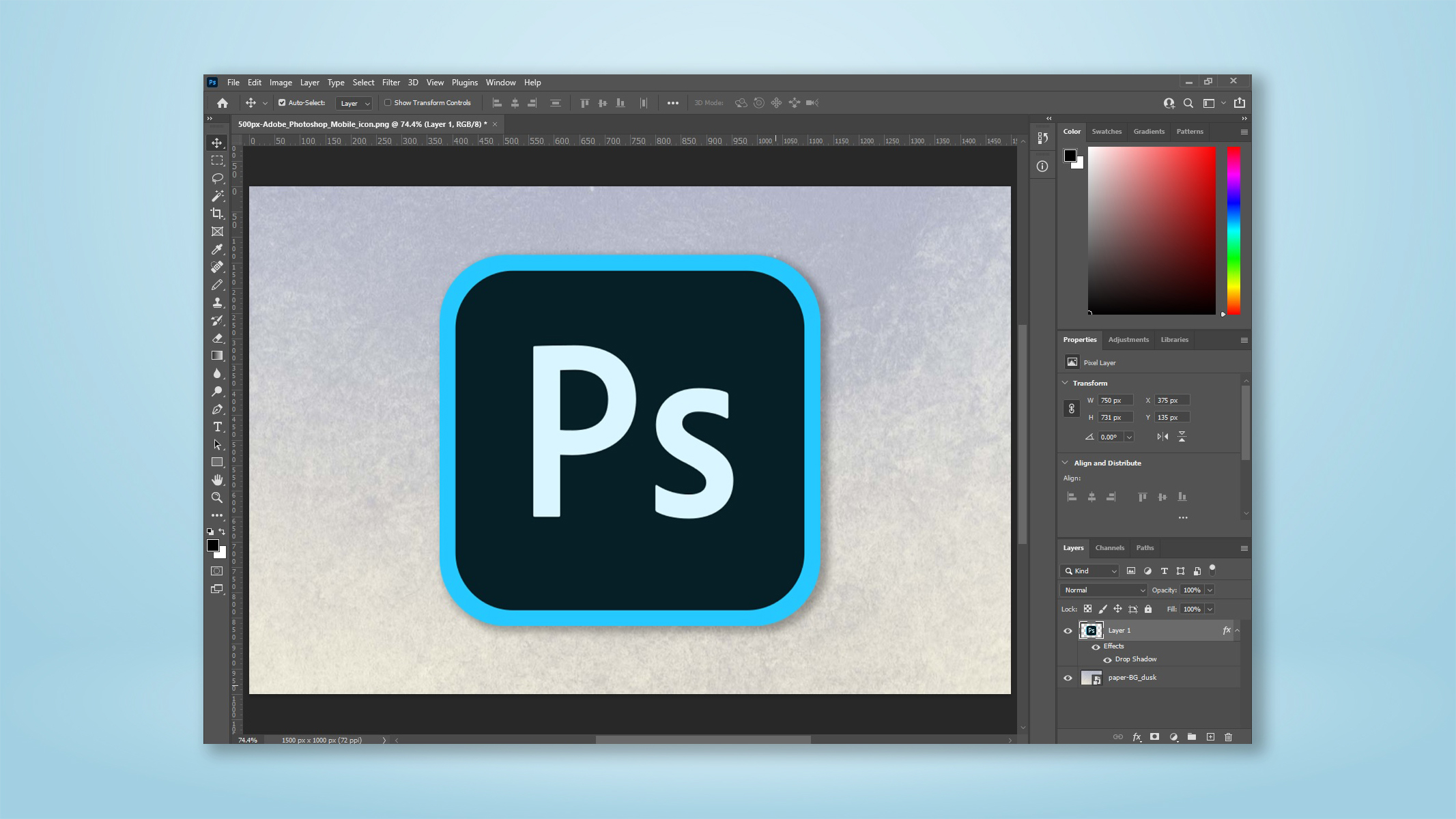
Learning how to open an image in Camera Raw when using Adobe Photoshop is super useful. After loading in an image to get editing, you may realize you need to tweak the exposure or color parameters of the image. To save loading it up in Adobe Lightroom, you'll naturally want to open the image in Photoshop's Camera Raw software (which has the same studio features as Lightroom, without the added workflow tools).
Adobe Photoshop usually opens RAW files straight into Camera Raw, but it doesn't do it for JPEGs by default. So after loading in a JPEG or other image file, you may be scratching your head wondering how to load the image into Camera Raw. Alternatively, you may have closed the initial Camera Raw window and want to reopen it.