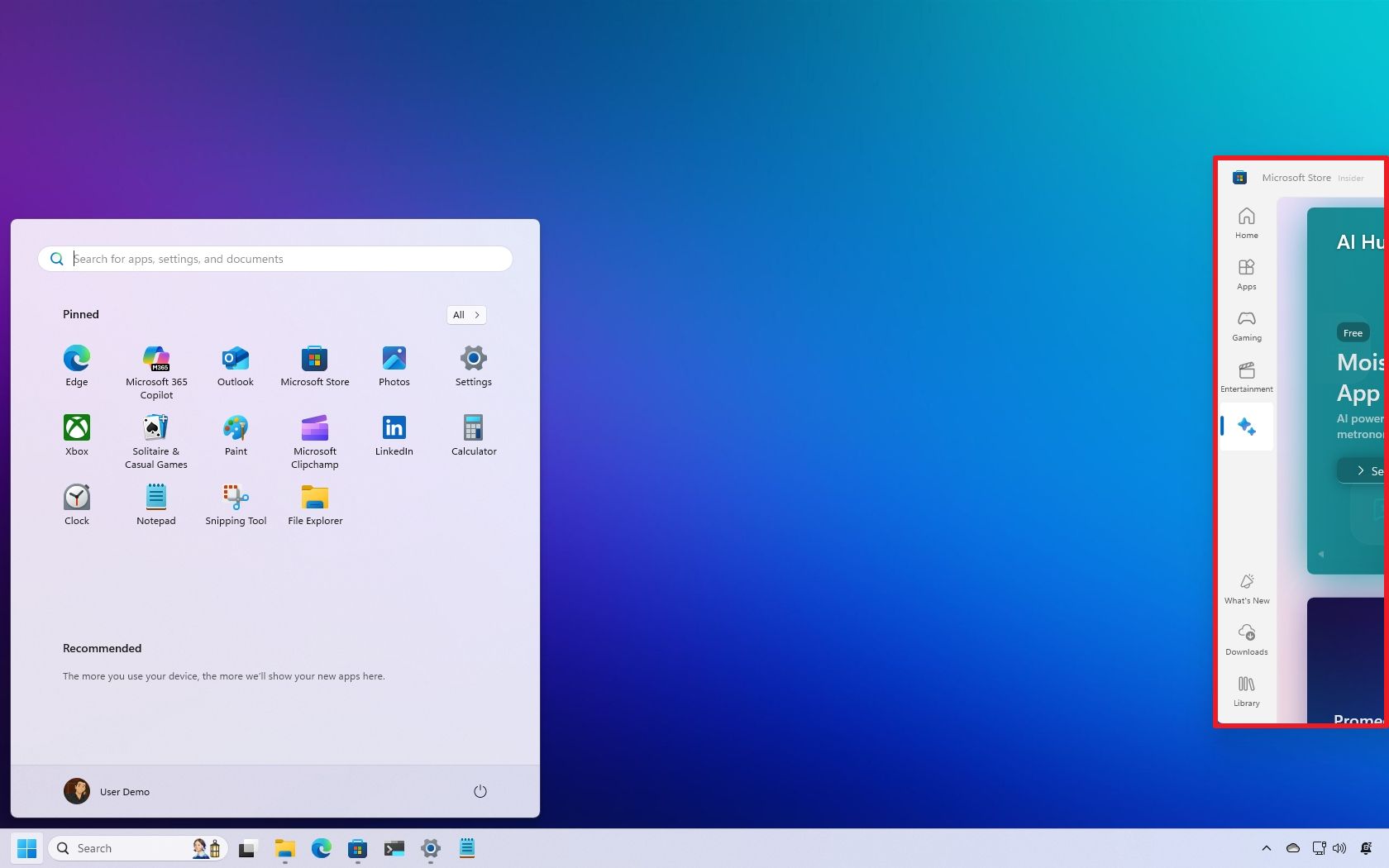
If a window ends off-screen on Windows 11 (due to a multi-monitor setup, remote session, or unexpected system behavior), it can be frustrating when you can't drag it back or even see it. Fortunately, there are still a couple of reliable ways to recover the window and bring it back into view.
Windows 10 has a feature known as "Cascade windows" that organizes open windows into a diagonal stack with visible title bars that fixes this issue quickly, but this option is not present in the new operating system. However, you still have more than one way to drag the window onto the screen again using the Task View and Move keyboard shortcuts