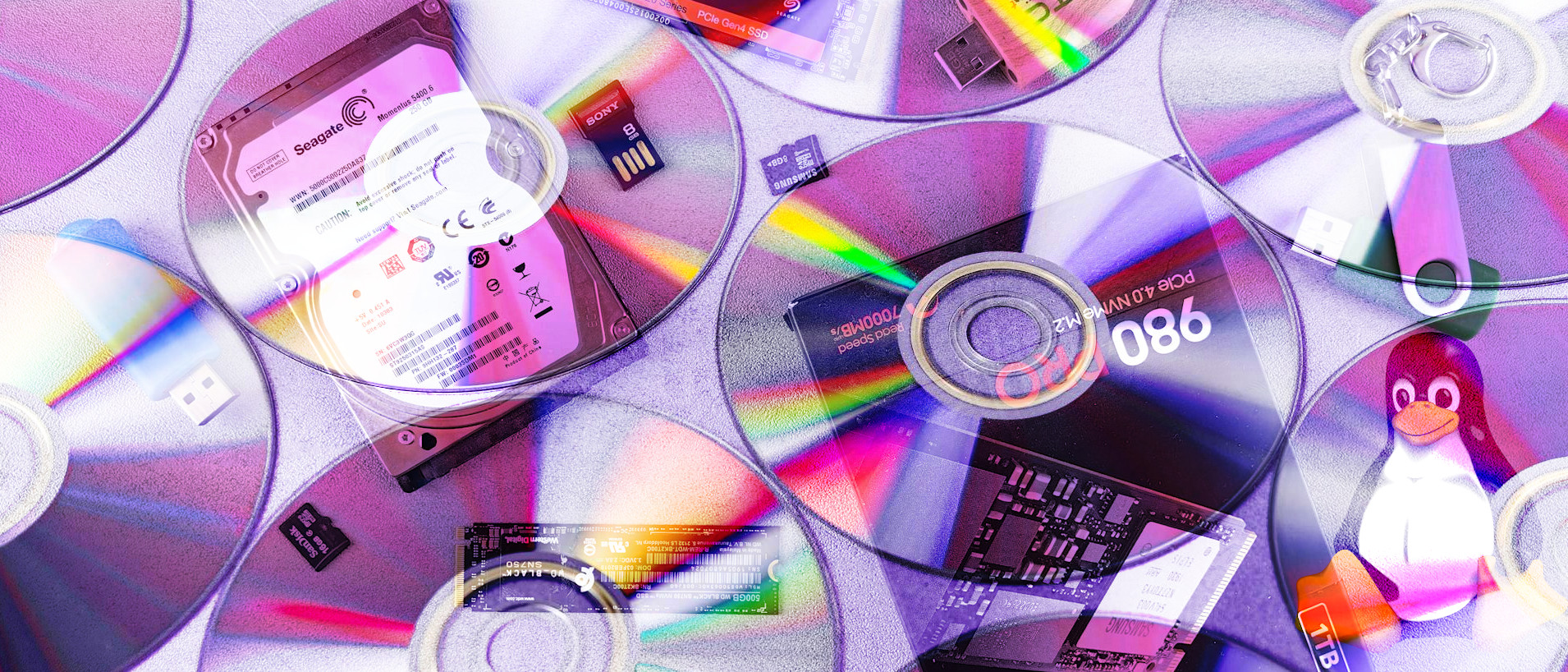
In a modern Linux operating system we usually take it for granted that when we insert a USB flash drive, best hard drive, or even a DVD disk, they just appear ready for use. But under the hood there is a process where the device is mounted (made ready for use) and assigned a mountpoint. When using a server or a remote connection, it is not certain that a device will automatically be made available, so how can we mount our own devices?
In this how-to we’ll look at various ways of mounting and unmounting disks and disk images. We will use a variety of approaches and tools including both terminal commands and GUI tools.