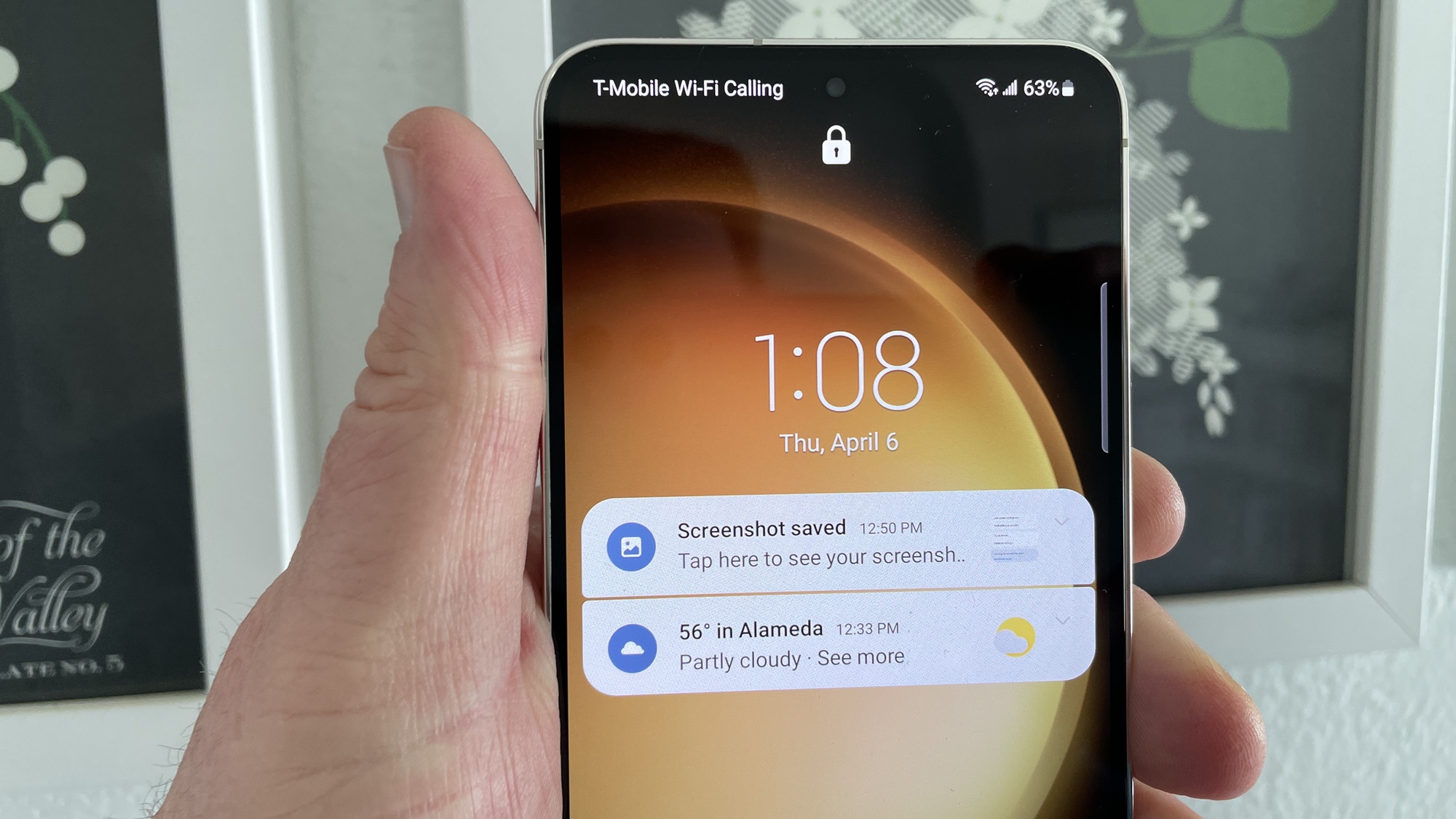
Learning how to manage lock screen notifications on the Galaxy S23 covers your bases from the aesthetic to the practical. By determining how notifications appear, you can tailor both your lock screen and your phone's always-on display to your liking. You can also make sure that notifications don't reveal all to anyone who might get a glance at your S23's screen.
Even if you'd prefer to have no notifications pop up on your phone, managing the Galaxy S23 lock screen is the easiest way to make that happen. One of the main settings allows you to turn off lock screen notifications entirely.