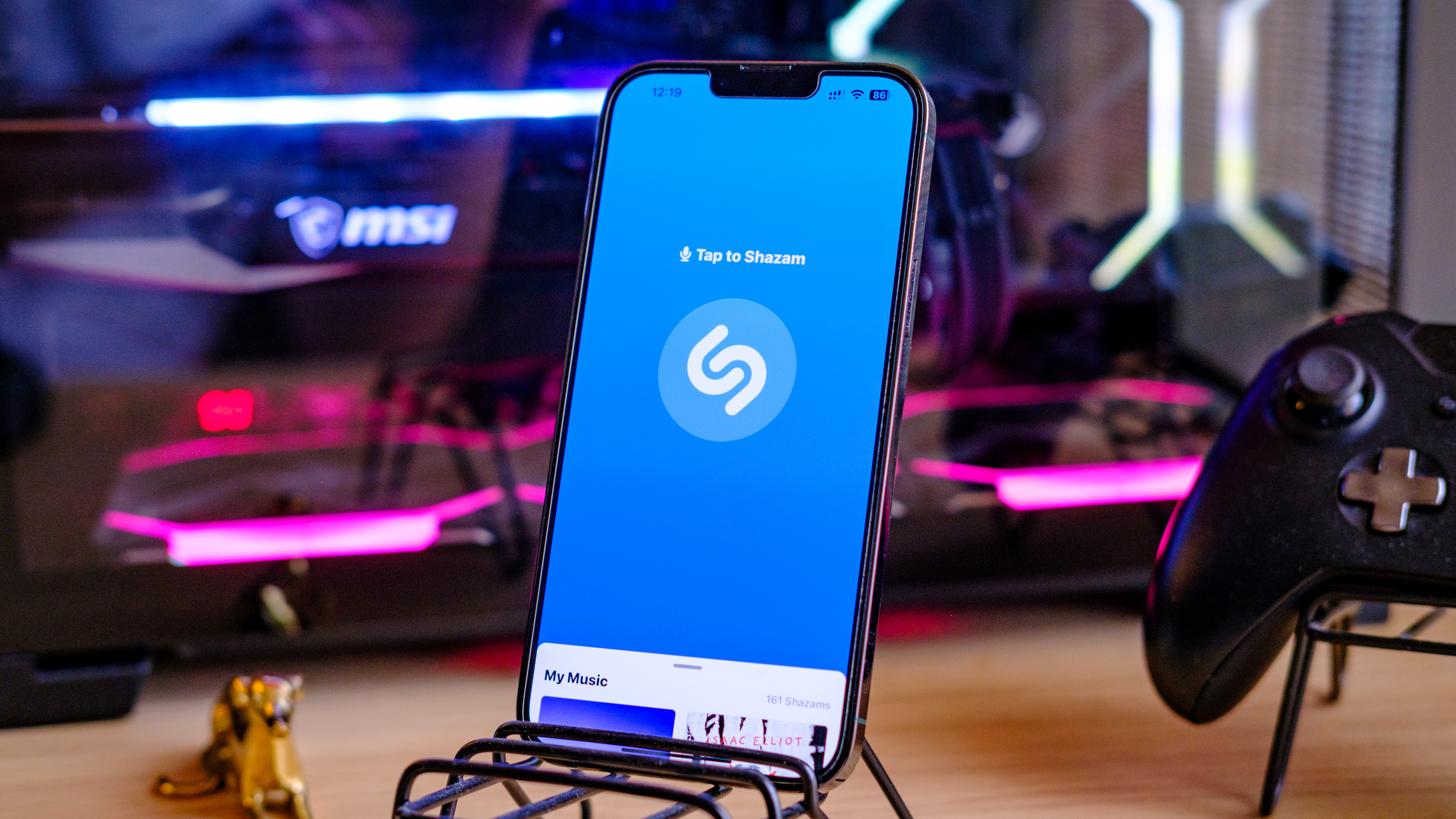
Knowing how to identify any song on iPhone is something that'll come in incredibly handy all the time. Perhaps you're out shopping and hear a song over the radio, or maybe you just fancy cheating at the music round when you're doing a pub quiz. Whatever the reason, using the iPhone's built-in Shazam app, you can usually find out exactly what song it is you're hearing.
Shazam used to be a third party app, but it now comes baked into iPhones, so you don't need to download any separate apps — it's a feature I think helps makes iPhones some of the best phones about.