Get all your news in one place.
100's of premium titles.
One app.
Start reading
Android Central
Android Central
Technology
Harish Jonnalagadda

How to factory reset your Android phone

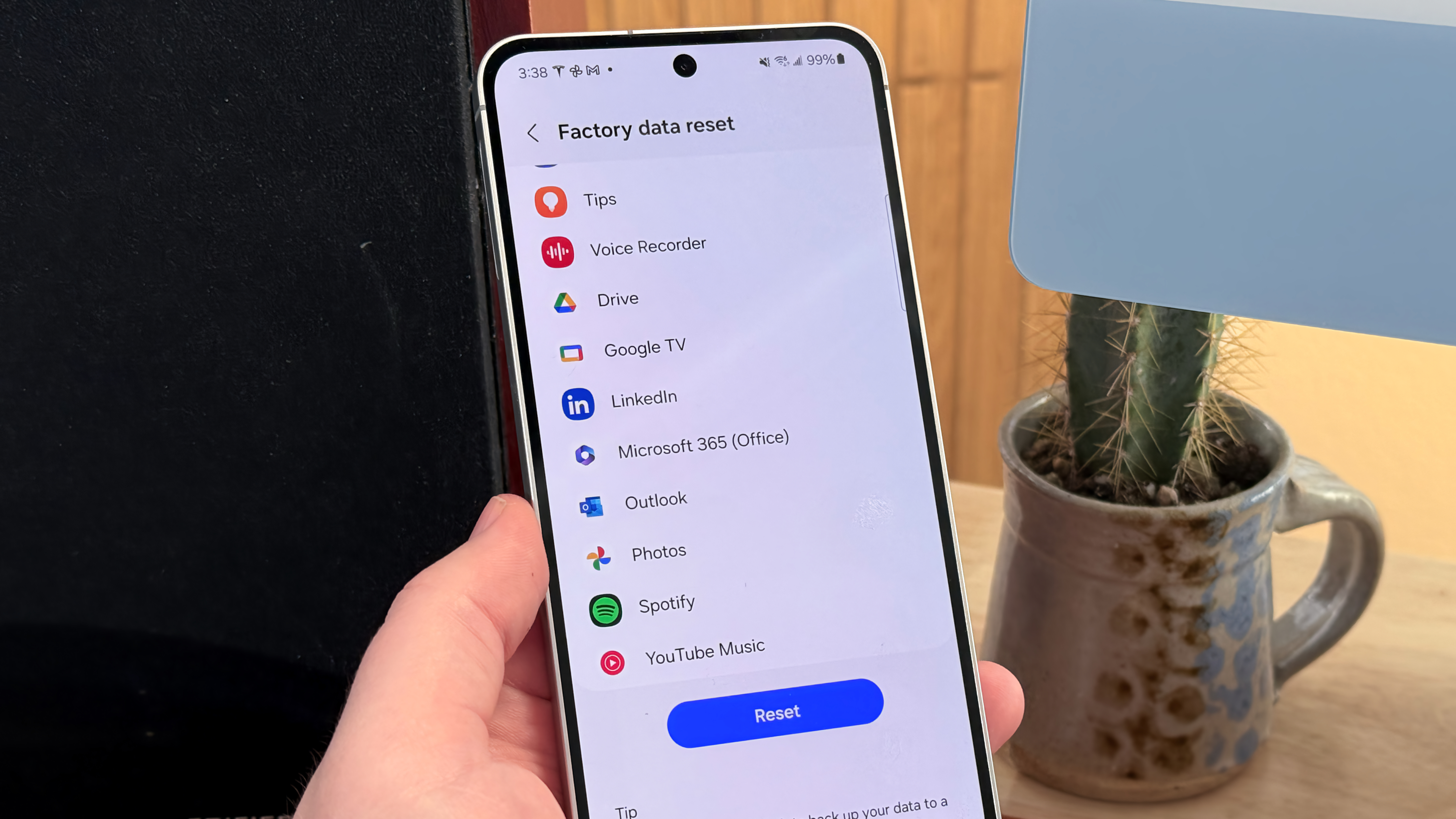
The factory data reset screen on a Galaxy S24 FE.

Regardless of what phone you're using — whether it's one of the best Android phones you can buy today or an older phone — there are several reasons why you might need to factory reset your phone.

Maybe your phone is overloaded with apps and running slow, you've downloaded a recent update and it's causing problems, or you just want to reset your phone before selling it. Here's how to reset your Android phone through the phone settings or via the recovery mode.

Sign up to read this article
Read news from 100's of titles, curated specifically for you.
Already a member? Sign in here
Related Stories
Top stories on inkl right now
One subscription that gives you access to news from hundreds of sites
Already a member? Sign in here
Our Picks
Fourteen days free
Download the app
One app. One membership.
100+ trusted global sources.