Once upon a time, all smartphones used DC dimming to control the brightness of their displays. These days, far too many phones rely on the use of PWM dimming to flicker the display quickly and fool your eyes. If you're anything like me, flickering displays can give you headaches, eye aches, or even make you nauseous and dizzy.
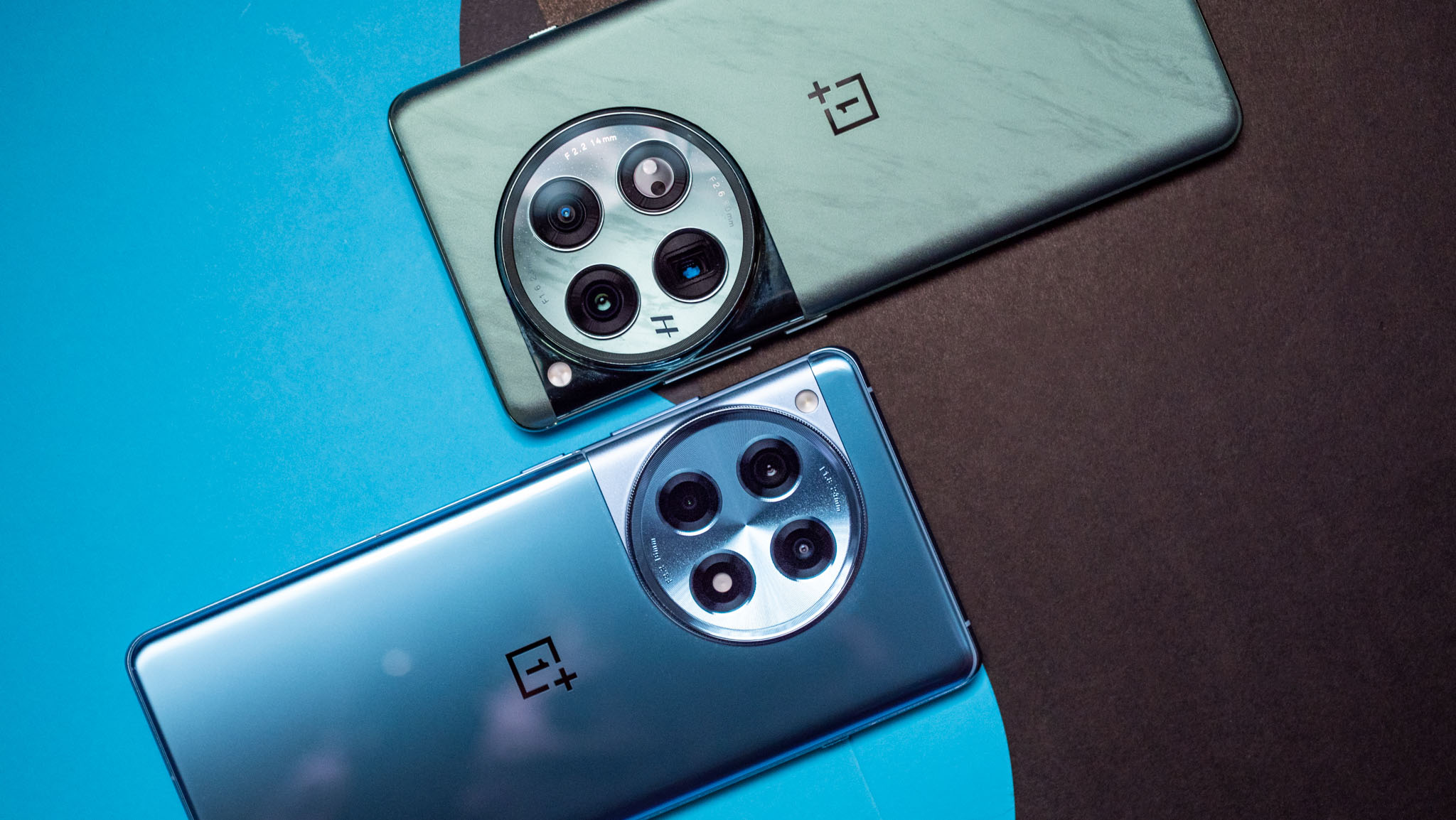
Thankfully, companies like OnePlus are listening to complaints and have brought back DC-like dimming on their latest phones. The OnePlus 12 and OnePlus 12R are two amazing phones with fantastic displays, but you can only bring out their most eye-friendly nature by enabling DC dimming.