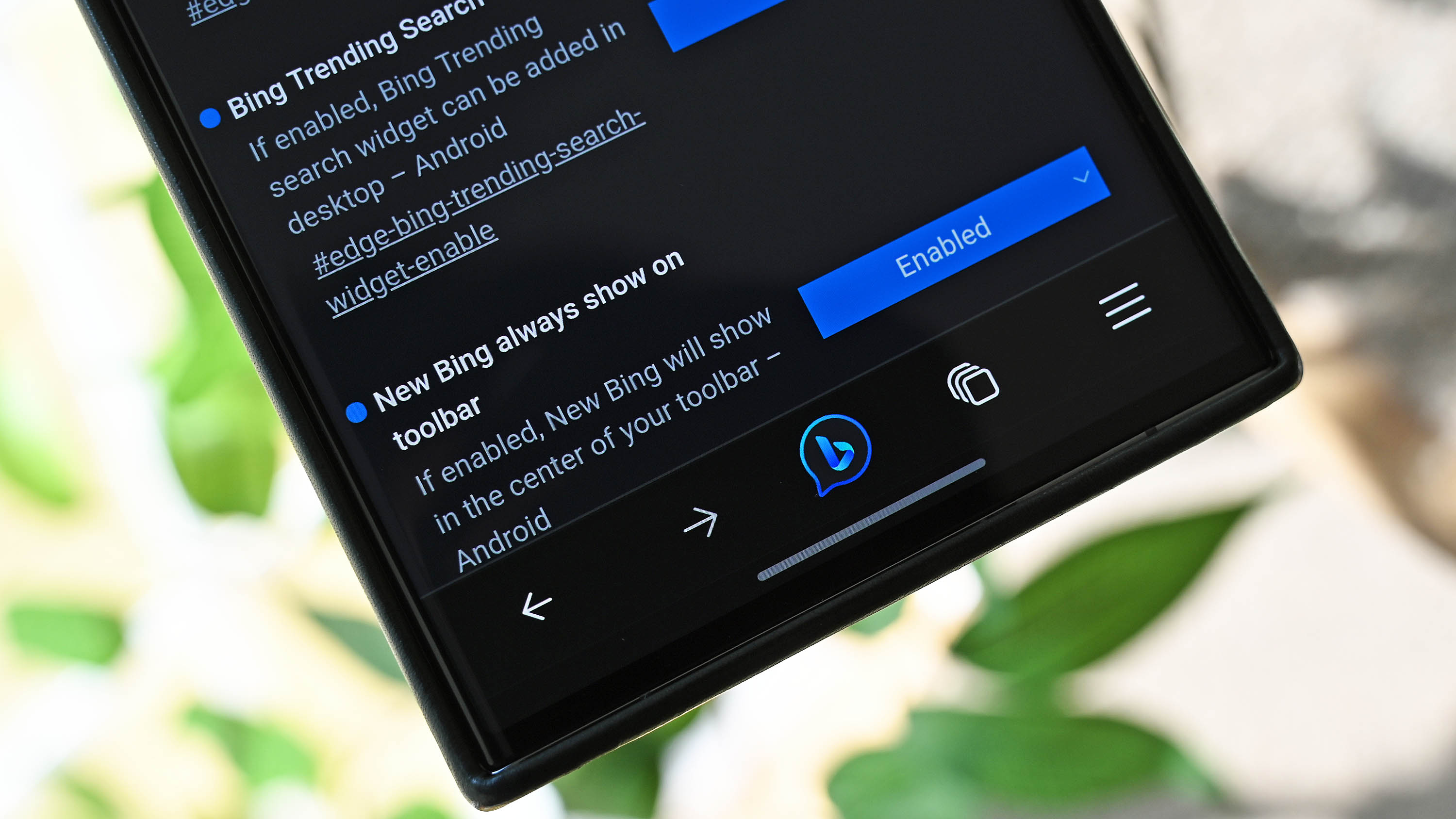
Microsoft is pushing hard on its new Bing Chat, powered by ChatGPT-4, with multiple releases across the Edge web browser, Bing apps, Skype, and more. Now, the first integration into the Microsoft Edge browser for Android is here, although you need to enable it first to use it.
Once enabled, users will get the new Bing Chat logo placed in the middle of Edge’s toolbar at the bottom for one-click access to the AI, which allows voice or text input depending on user preference. The implementation is similar to how Bing Chat works in the Android apps for Bing and Start but lets the user stay within the Edge browser.