Get all your news in one place.
100's of premium titles.
One app.
Start reading
Tom’s Guide
Tom’s Guide
Technology
Dan Bracaglia

Your Apple Watch has a new, smarter way to adjust the volume — here's how to enable it in watchOS 26

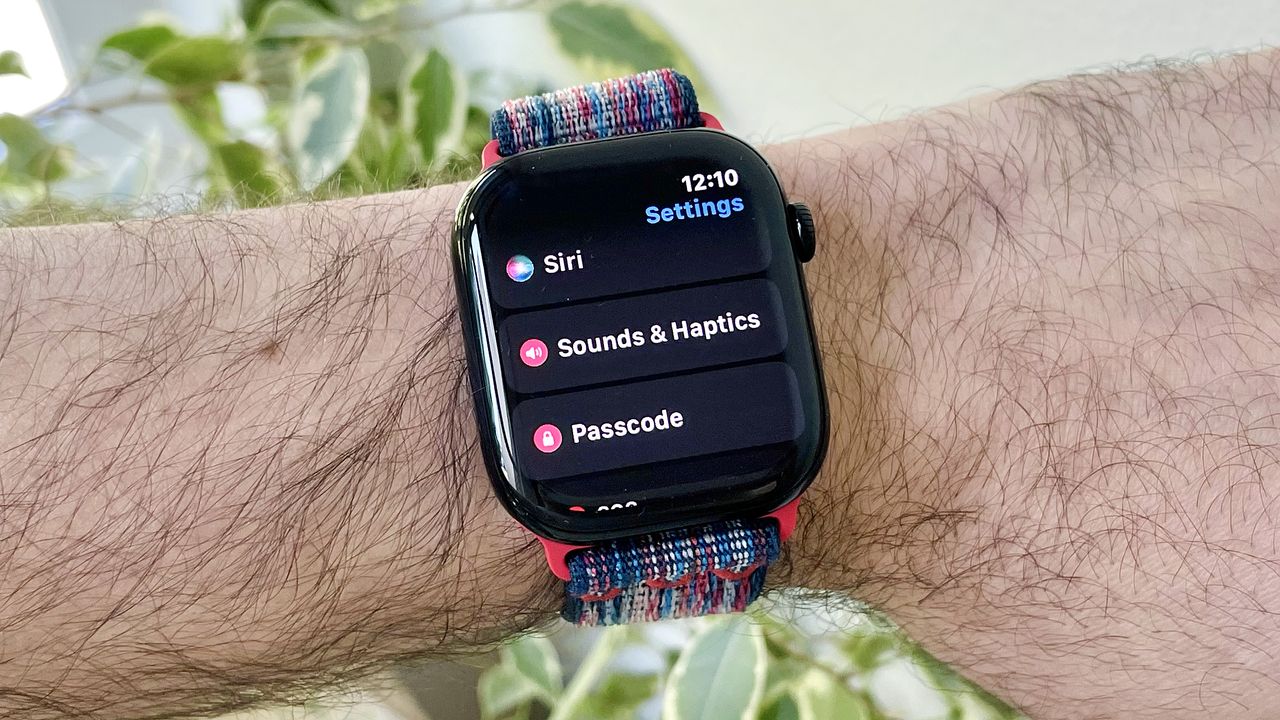
Close-up of a user's wrist wearing the Apple Watch Series 10 running the latest watchOS 26 software. The screen shows the new Automatic Audio Adjustments setting.

I've been experimenting with the latest Apple Watch features ever since watchOS 26 beta was released in August. Now that watchOS 26 in its final form has been released, it's time to chat about the best new features.

For example, your Apple Watch finally has the Notes app. It also has an intriguing new AI-powered "fitness coach" called Workout Buddy. However, my favorite new capability is the Wrist Flick gesture, which can be used to dismiss notifications, incoming calls, and the like.

Sign up to read this article
Read news from 100's of titles, curated specifically for you.
Already a member? Sign in here
Related Stories
Top stories on inkl right now
One subscription that gives you access to news from hundreds of sites
Already a member? Sign in here
Our Picks
Fourteen days free
Download the app
One app. One membership.
100+ trusted global sources.