Get all your news in one place.
100’s of premium titles.
One app.
Start reading
iMore
iMore
Technology
John-Anthony Disotto

How to download watchOS 10 developer beta 1 for Apple Watch

watchOS 10
WWDC 2023 SO FAR...

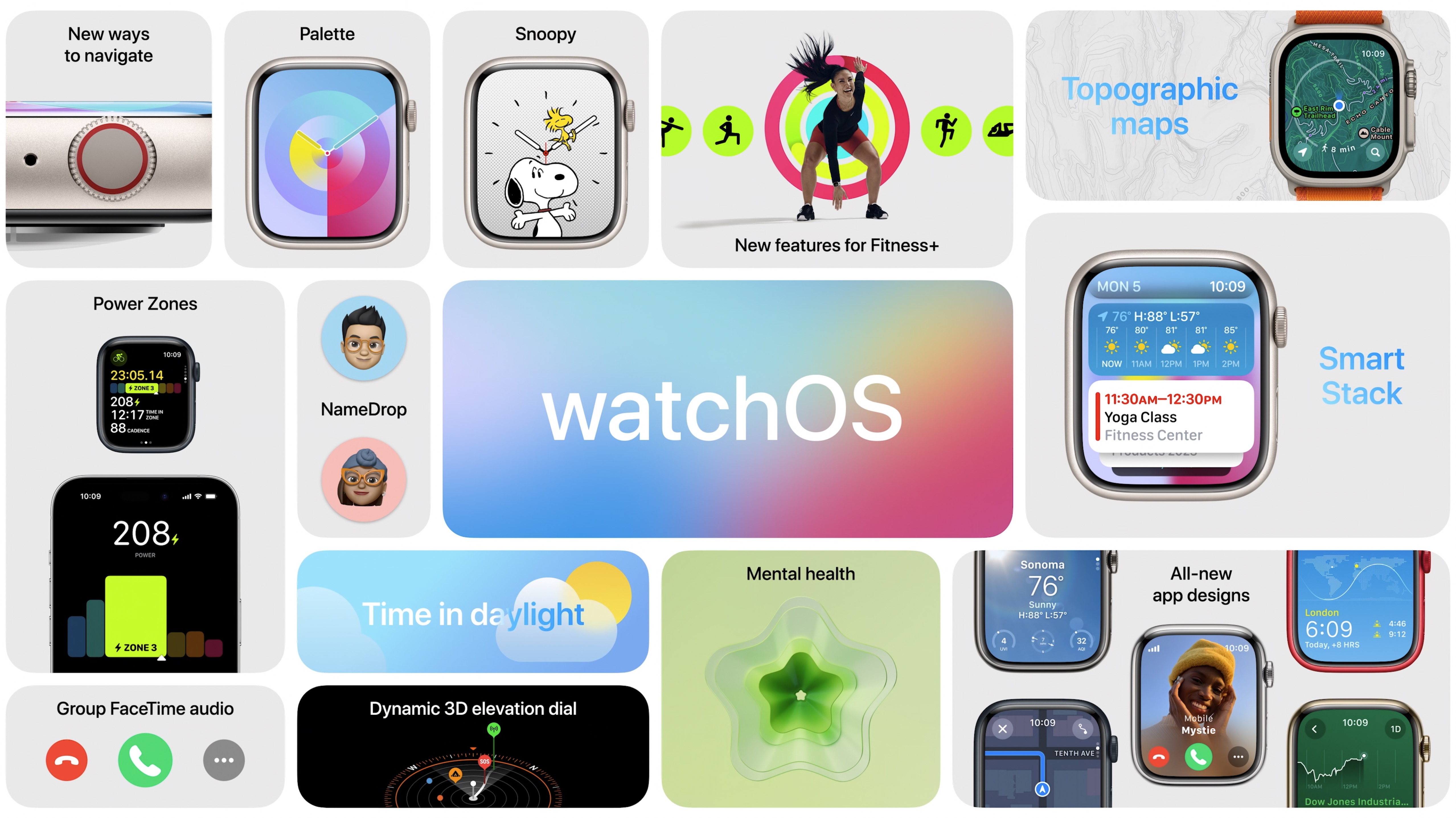
watchOS 10 was just announced at WWDC 2023, and Apple has one of the biggest redesigns to the Apple Watch we have ever seen. 
If you're a developer, you know it's time to get watchOS 10 onto your test devices so you can bring your apps up to speed with Apple's latest software - and get to try out a Peanuts watch face too!

This year, Apple has made some changes to the way iOS beta is installed, so if you're a little confused, here's how to download watchOS 10 developer beta 1 on your Apple Watch.

Download watchOS 10 developer beta 1

Beta software, also referred to as a preview, seed, or release candidate, is a version of software that’s still under development and not yet released to the public. This software is intended only for installation on development devices registered under your Apple Developer Program membership. Registered development devices can be upgraded to future beta releases and the public version of the software. Attempting to install beta software in an unauthorized manner violates Apple policy and could render your device unusable and necessitate an out-of-warranty repair. Make sure to back up your devices before installing beta software and install only on devices and systems that you’re prepared to erase if necessary.

(Image credit: Apple)
  • Head to the Developer download page on your iPhone and download the configuration profile
  • Launch the profile and tap Apple Watch as the installation location
  • Open the Watch App on your iPhone
  • Tap My Watch then General and select Software Update

It's that simple. Please note: your iPhone and Apple Watch must be signed into the Apple ID enrolled in the Apple Developer Program.

Installing watchOS 10 developer beta 1 errors

Apple has some information if you see a red "!" icon when attempting to install watchOS 10 developer beta 1. 

"Simultaneously hold the side button and Digital Crown for at least 10 seconds, then release when you see the Apple logo.

If force restarting your Apple Watch doesn’t resolve the issue, or if your Apple Watch restarts in recovery mode or exhibits other issues that require it to be restored with the current version of watchOS, you may need to send it in to Apple to be serviced. Apple Authorized Service Providers and Apple retail stores cannot perform this service. Once your device is received, it may take up to three business days to be serviced. You will get back the same device you send in. This service is currently available in Australia, Canada, France, Germany, Italy, Japan, Switzerland, United Kingdom, and United States."

The Apple Watch just evolved

(Image credit: Apple)

The new changes to the way we interact with our Apple Watch with watchOS 10 is very exciting for Watch owners. Apple has decided to incorporated widgets into the way we use the device to make for a more streamlined and interactive experience.

If you can't wait for watchOS 10, you only need to wait until July when the public beta will be available to all of us without a developer account.

We're covering all the WWDC 2023 announcements live and as they happen. Don't miss all our Apple VR, iOS 17, macOS 14, iPadOS 17, and watchOS 10 news so far.

Sign up to read this article
Read news from 100’s of titles, curated specifically for you.
Already a member? Sign in here
Related Stories
Top stories on inkl right now
One subscription that gives you access to news from hundreds of sites
Already a member? Sign in here
Our Picks
Fourteen days free
Download the app
One app. One membership.
100+ trusted global sources.