Get all your news in one place.
100’s of premium titles.
One app.
Start reading
Destructoid
Destructoid
Arka Sarkar

How to download Malware from West Gate in Marathon – Protect/Destroy 2 guide

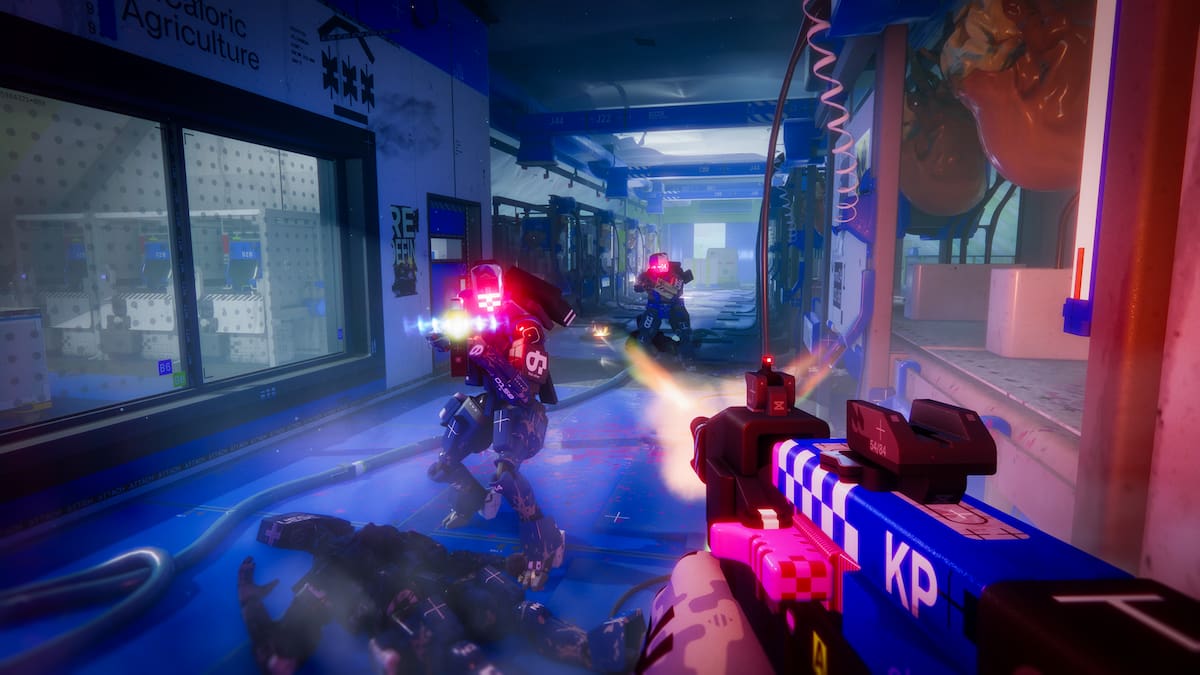
The Protect/Destroy 2 contract in Marathon is a priority task for the MIDA faction, and it's one of the more challenging ones to complete.

Split between three tasks, you have to complete them in a single run to get all the available rewards. Let's look at how to finish the contract without any problem.

Marathon Protect/Destroy 2 contract walkthrough

The Protect/Destroy 2 contract can be broken down into the following three parts.

  • Download malware from terminal in the West Gate gatehouse
  • Submit a dropship request south of Canal
  • Upload malware to the UESC dropship

How to download malware from terminal in West Gate gatehouse

For the first task, head to the western part of the Dire Marsh map. Since the West Gate is a named location, it isn't too hard to find. I have marked the exact location of the terminal that you'll need to find at the POI.

Terminal at West Gate
Screenshot and remix by Destructoid

Located on the first floor, there are multiple entry points for the gatehouse area. There's a massive blue dome at this location, and the terminal is in the building to its left (refer to the image below). You'll find a ladder to its left; take it and climb up. Then, go right, and take the stairs on your left.

Terminal building in West Gate
Image via Bungie

Avoid the lasers and go two floors down. Once you're on the second floor, the quest marker will pop up, which makes things easier.

Reach the terminal, interact with it, and download the malware.

How to submit a dropship request south of Canal

Terminal location in Canal
Screenshot and remix by Destructoid

Next, head to the marked location south of Canal. This point is slightly far from West Gate, so be careful about enemies. I avoided Quarantine and cut through the Maintenance POI. If you reach the spot, you'll find a bunch of buildings in red (or pink) and white.

Terminal location in Canal
Image via Bungie

If you're at the marked spot, the quest marker will appear shortly. The terminal is located on the first floor of an isolated building (shown in the image above). Interact with the terminal to submit a dropship request.

How to upload malware to the UESC dropship

Once you've requested a dropship, you'll find a yellow-colored vehicle near you. To upload the malware, you'll need to get on its roof. This is a difficult task as you'll have to use nearby ledges and containers for support.

Upload the malware upon reaching the roof, and you'll complete the Protect/Destroy 2 contract.

The post How to download Malware from West Gate in Marathon – Protect/Destroy 2 guide appeared first on Destructoid.

Sign up to read this article
Read news from 100’s of titles, curated specifically for you.
Already a member? Sign in here
Related Stories
Top stories on inkl right now
One subscription that gives you access to news from hundreds of sites
Already a member? Sign in here
Our Picks
Fourteen days free
Download the app
One app. One membership.
100+ trusted global sources.