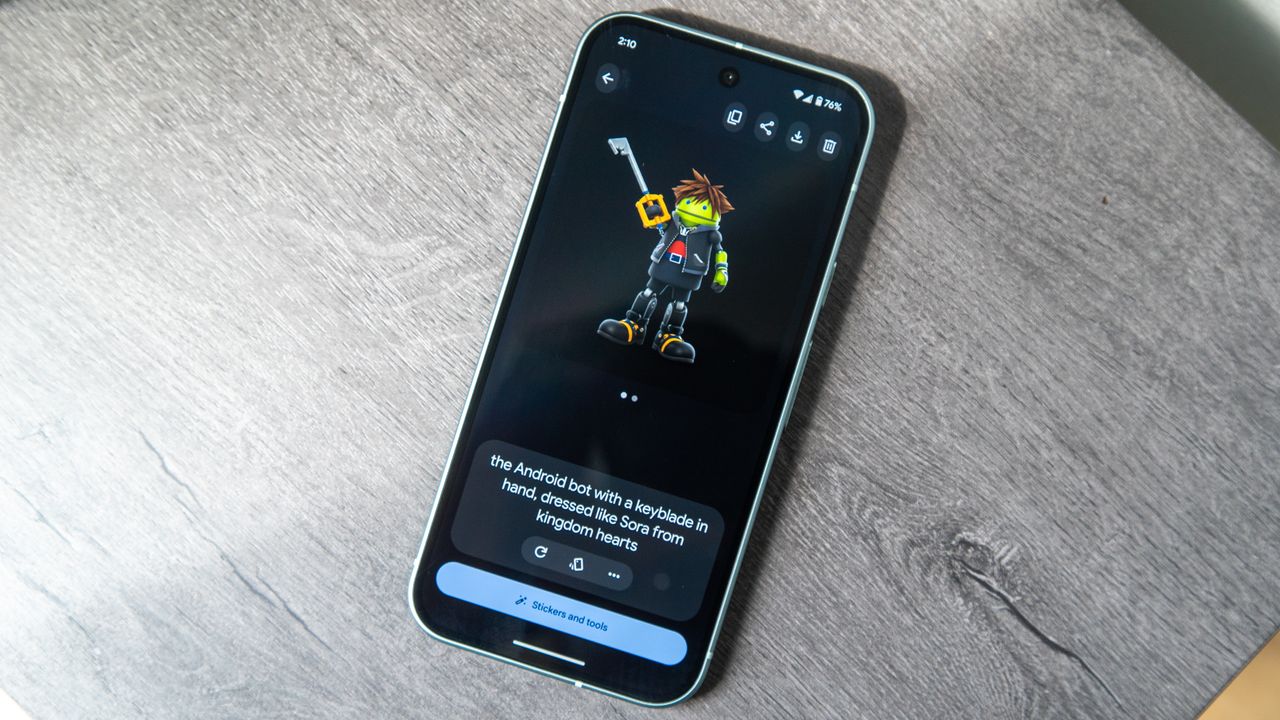
Google created the Pixel Studio app exclusively for the Pixel 9 and Pixel 10 series to give smartphone users easy access to custom AI-generated images. Pixel Studio is helpful for making quick, shareable content, and Google made it easier to do just that with recent Pixel Feature Drops. Now, you can generate custom stickers straight from your keyboard and insert them wherever images are supported.
It's quicker than using an image generation model within an AI chatbot, like Gemini — even with Nano Banana. With the June 2025 Pixel Feature Drop, Google made it even easier to create and share AI-generated cartoon images. This Android 16-based update added custom AI stickers to Gboard, making the unique images only a few taps away from any social media or messaging app.