
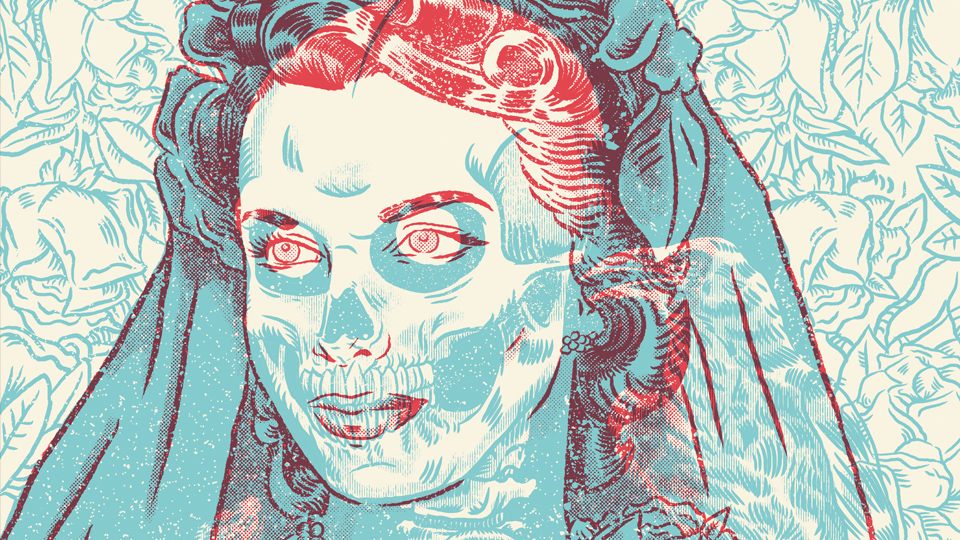
Learning to create anaglyph images is simpler than it might seem – all it takes is some crafty layering techniques to recreate this old-school aesthetic. An anaglyph effect is the proper name for the classic 3D style where you have to wear red and blue glasses to appreciate the content. Here, you'll learn how to achieve the classic 3D effect using base images, shading and textures.
The Bride’, created in this tutorial, is an original piece that I created using a reference image as the base and employing the anaglyph effect. I often use this effect in my work to explore themes of duality, and also to pay homage to B-movies of the ’50s and ’60s. I'll be using Photoshop to create this piece, but take a look at our guide to the best digital art software for some industry standard alternatives.




