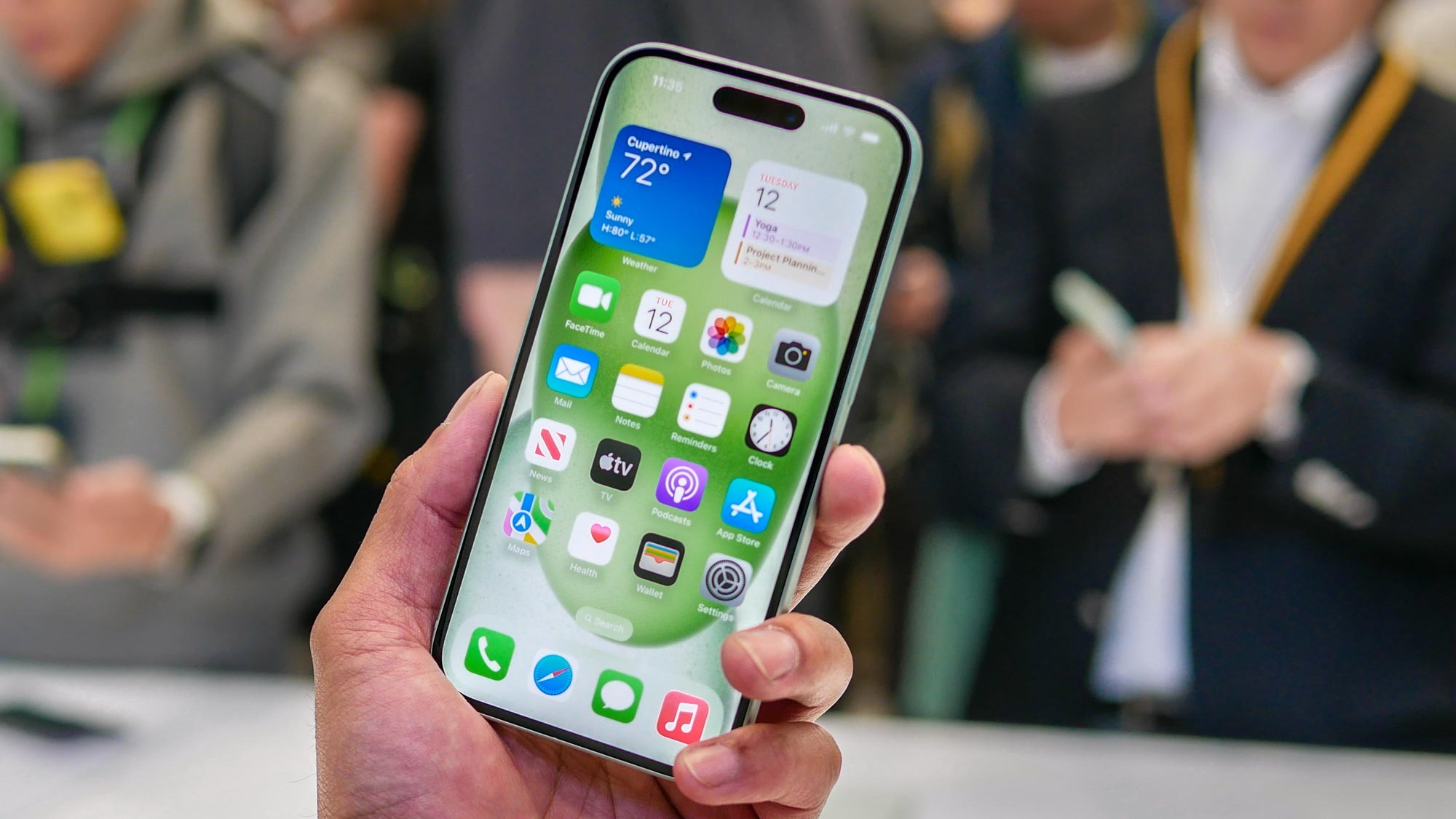
Sometimes we want to send a screenshot to friends and family but want to avoid filling the iPhone photo gallery with hundreds of random screens. Thankfully, it's possible to copy and send a screenshot without having to save the image at all.
Apple introduced the Copy and Delete feature back in iOS 16 in 2022, which also included Lock Screen customization and improvements to several apps. When compared with these additions, Copy and Delete seems relatively tame in comparison. However, it is a big benefit to anyone who sends a lot of images but wants to save space as this method will not save the image at all.