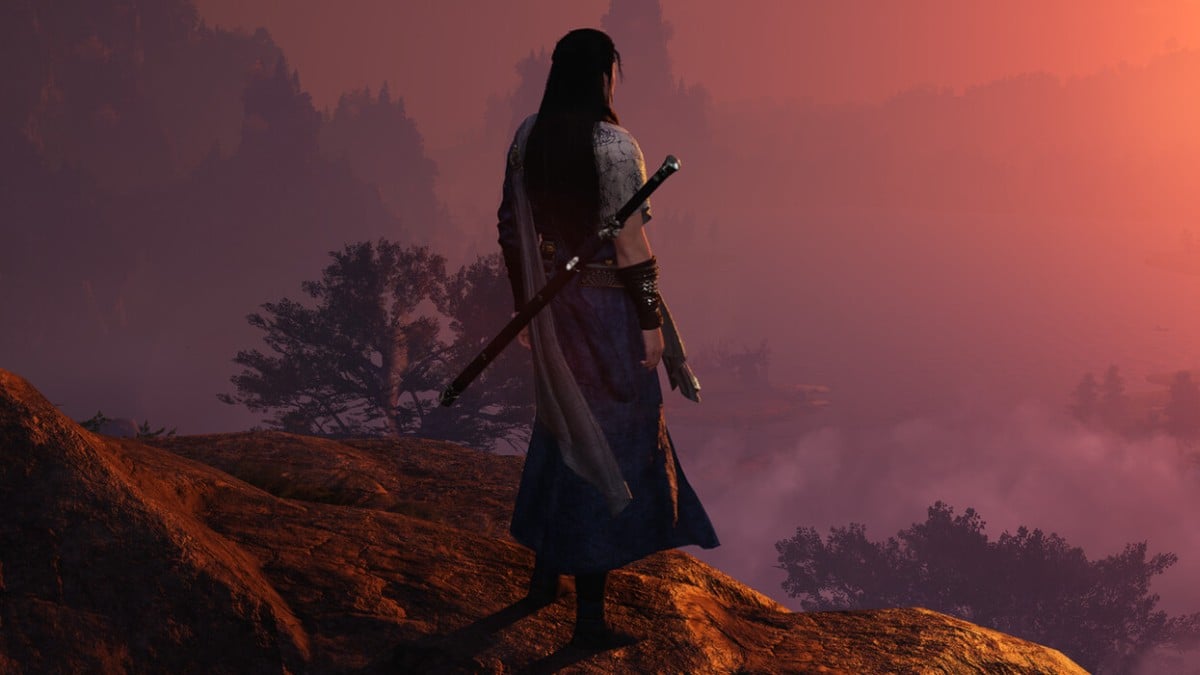
Changing hair color is one of the most popular ways of personalizing characters, and it’s no different in Where Winds Meet.
Unlike other games where hair color options are immediately available during the character creation screen, in Where Winds Meet, you have to get specific hair dyes from the cosmetic shop. You have to purchase these dyes using in-game currency or earn them through gameplay, and some colors may only be accessible through premium or gacha systems.
Once you have the dye, you can apply it to certain hairstyles that support color customization. Having that said, here’s everything you need to know about changing the hair color of your character in Where Winds Meet.
Table of contents
How to change hair color in Where Winds Meet
In short, you can change your hair color in three steps:
- Acquire a hair dye.
- Choose a hairstyle eligible for the dye.
- Apply the hair dye.
When you first create your character, the hair color is set to black by defaukt. While you alter facial hair during the initial customization, hair color requires the use of dyes that are not included in the base character creation.

Hair dyes come in different types, each providing distinct color palettes ranging from natural to vibrant hues.
Acquiring a hair dye
To change your hair color, you need to acquire hair dye from the in-game cosmetic shop. You can find hair dye of different types, such as Rosycloud Dye Powder, Inkshade Hair Dye, and Softweave Dye Powder.
Certain premium or brighter colors may only be available through the game’s gacha system, which requires luck or investment. You can earn the currency needed for these dyes through character progression and completing quests.
Choosing a hairstyle eligible for the dye
Not all hairstyles in Where Winds Meet can be dyed. Look for hairstyles with a small rainbow brush icon, which indicates the style that supports color changes.

If you do not have a dye-compatible hairstyle, you may need to purchase or unlock one from the cosmetic shop.
Applying the hair dye
Once you have the dye and a suitable hairstyle, simply open the Appearance menu and go to the Workshop tab. Select the dye and choose the hairstyle you want to customize.
Then, select an empty dye slot. Pick the dye color from those available based on the dye you possess. Then, confirm your choice, and the hair color will update instantly on your character.
Remember, hair dyes are consumable items, so be mindful when applying colors. Experiment with hairstyles and colors to find the look that best suits your style.