Get all your news in one place.
100's of premium titles.
One app.
Start reading
Windows Central
Windows Central
Technology
Mauro Huculak

How to change the default folder for downloads on Windows 11

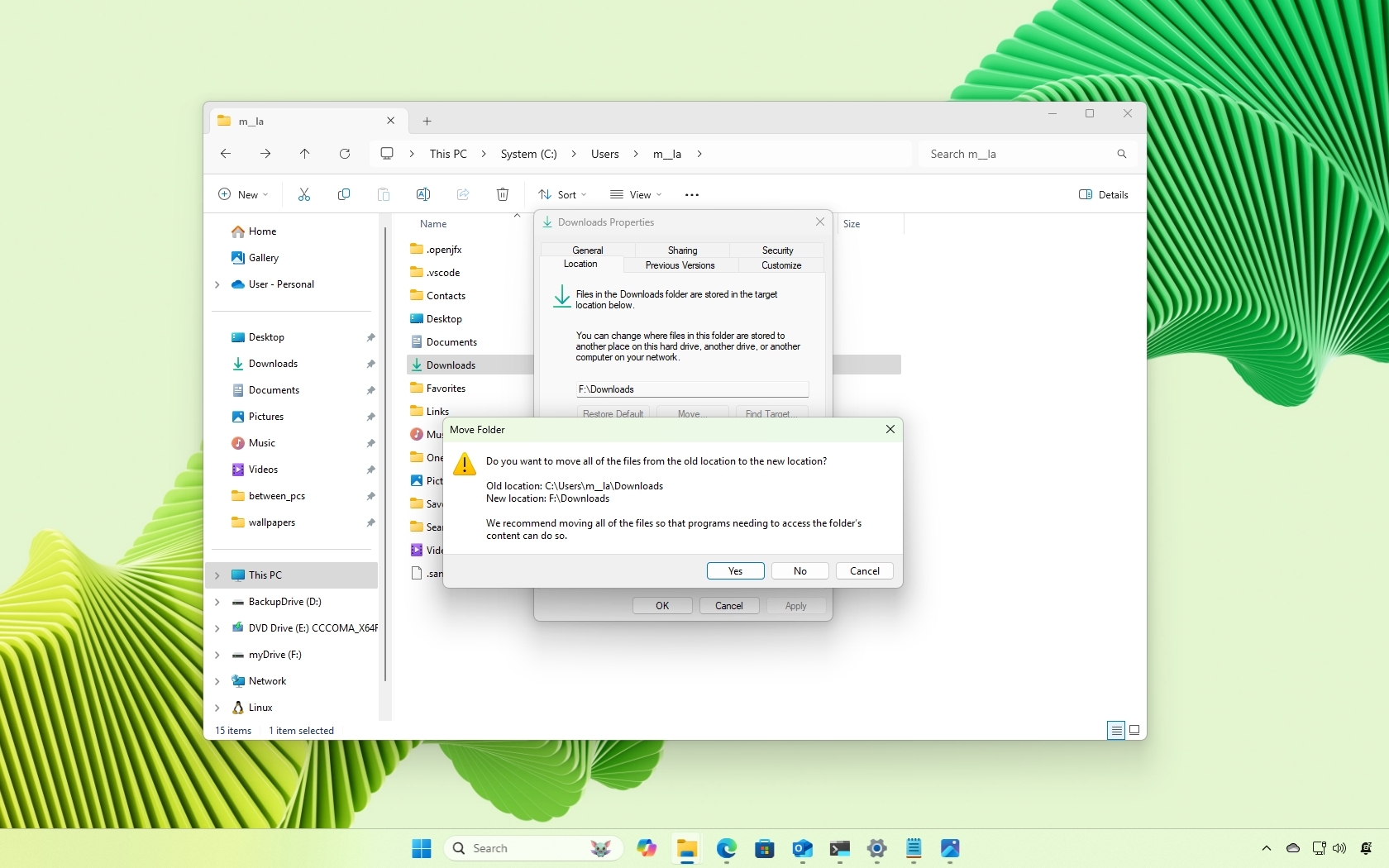
Windows 11 change default downloads location.

On Windows 11, when you download a document or another type of file, by default, it's stored in the "Downloads" folder located in the home folder for that specific account. However, you can always change the default location of the folder to another path or a different drive.

Although it usually makes sense to download files in the default location,

Sign up to read this article
Read news from 100's of titles, curated specifically for you.
Already a member? Sign in here
Related Stories
Top stories on inkl right now
Our Picks
Fourteen days free
Download the app
One app. One membership.
100+ trusted global sources.