If you spend any amount of time using a Cricut machine, you’ll quickly discover that swapping blades is just as important as choosing your material or setting up your design. Whether you’re engraving metal, foiling a card, or scoring paper for a folded gift box, knowing how to correctly change your blade saves time, frustration, and a few expensive mistakes.
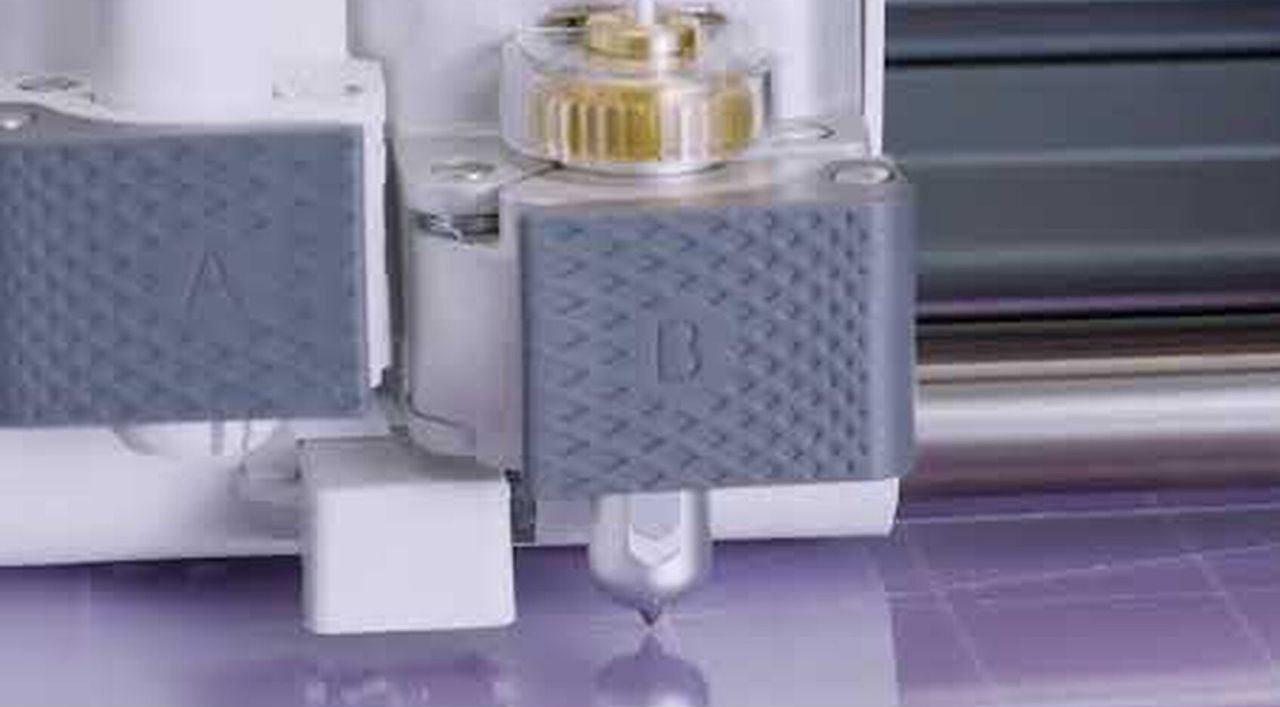
Whether you’re using the newer Cricut Maker 4 or Explore 5, or one of the older models, they all use the same basic dual-clamp system, an A clamp for pens and markers, and a B clamp for all cutting tools. But that’s where the similarities end. The difference between the machines is simple, the Maker can handle a wider range of blades, from rotary cutters to engraving tips, to the Explore, which is limited to the essentials.