Get all your news in one place.
100's of premium titles.
One app.
Start reading
Windows Central
Windows Central
Technology
Mauro Huculak

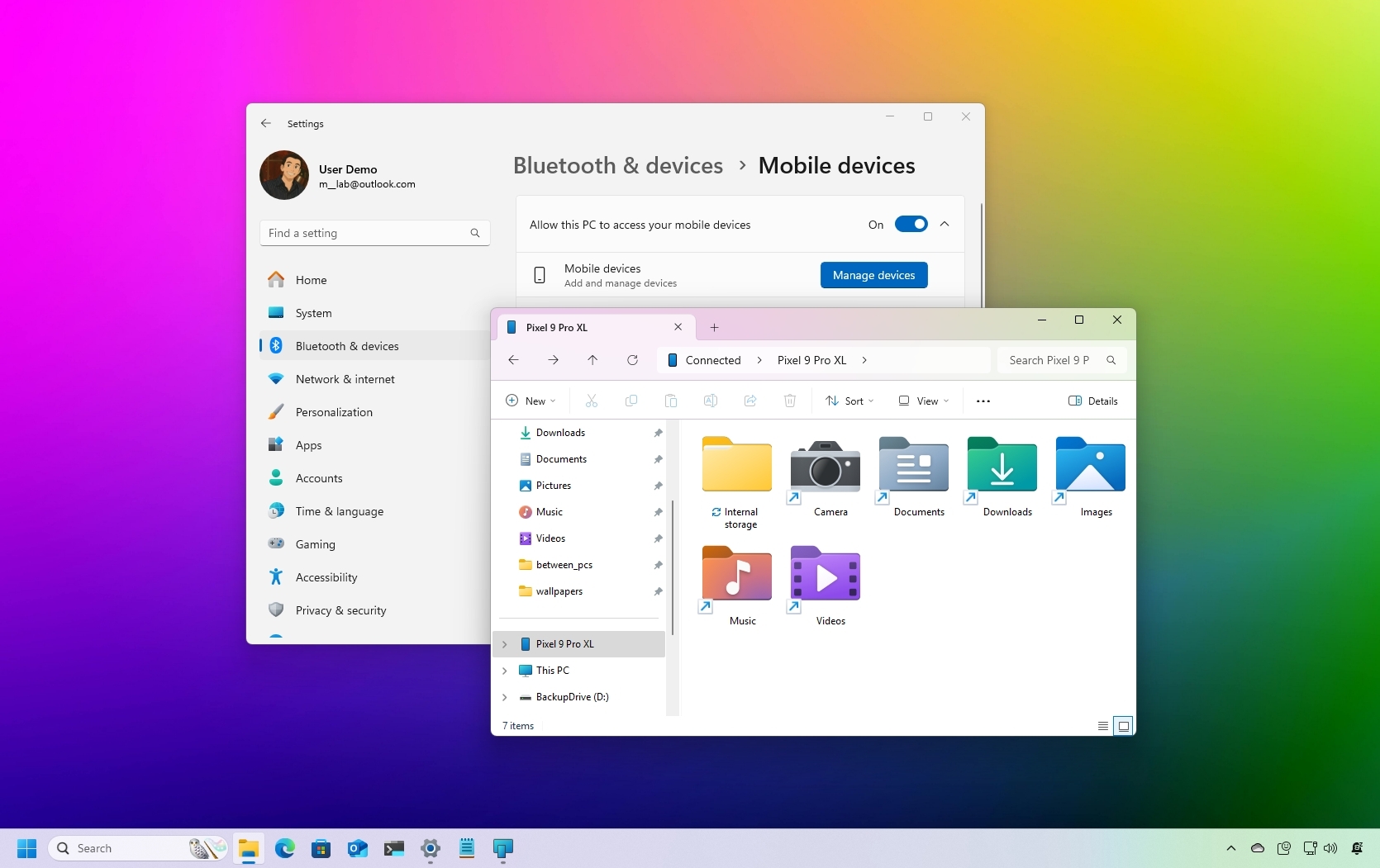
How to browse your Android storage on Windows 11 without any USB cables

Windows 11 browse Android storage.

If you use an Android phone, you can now wirelessly access your device's storage directly from File Explorer on Windows 11, with no cables required.

Traditionally, transferring files from your phone to your computer meant jumping through hoops, such as emailing files to yourself, using apps like WhatsApp, uploading to cloud storage services like OneDrive or Google One, or physically connecting your phone via USB as a mass storage device.

Sign up to read this article
Read news from 100's of titles, curated specifically for you.
Already a member? Sign in here
Related Stories
Top stories on inkl right now
Our Picks
Fourteen days free
Download the app
One app. One membership.
100+ trusted global sources.