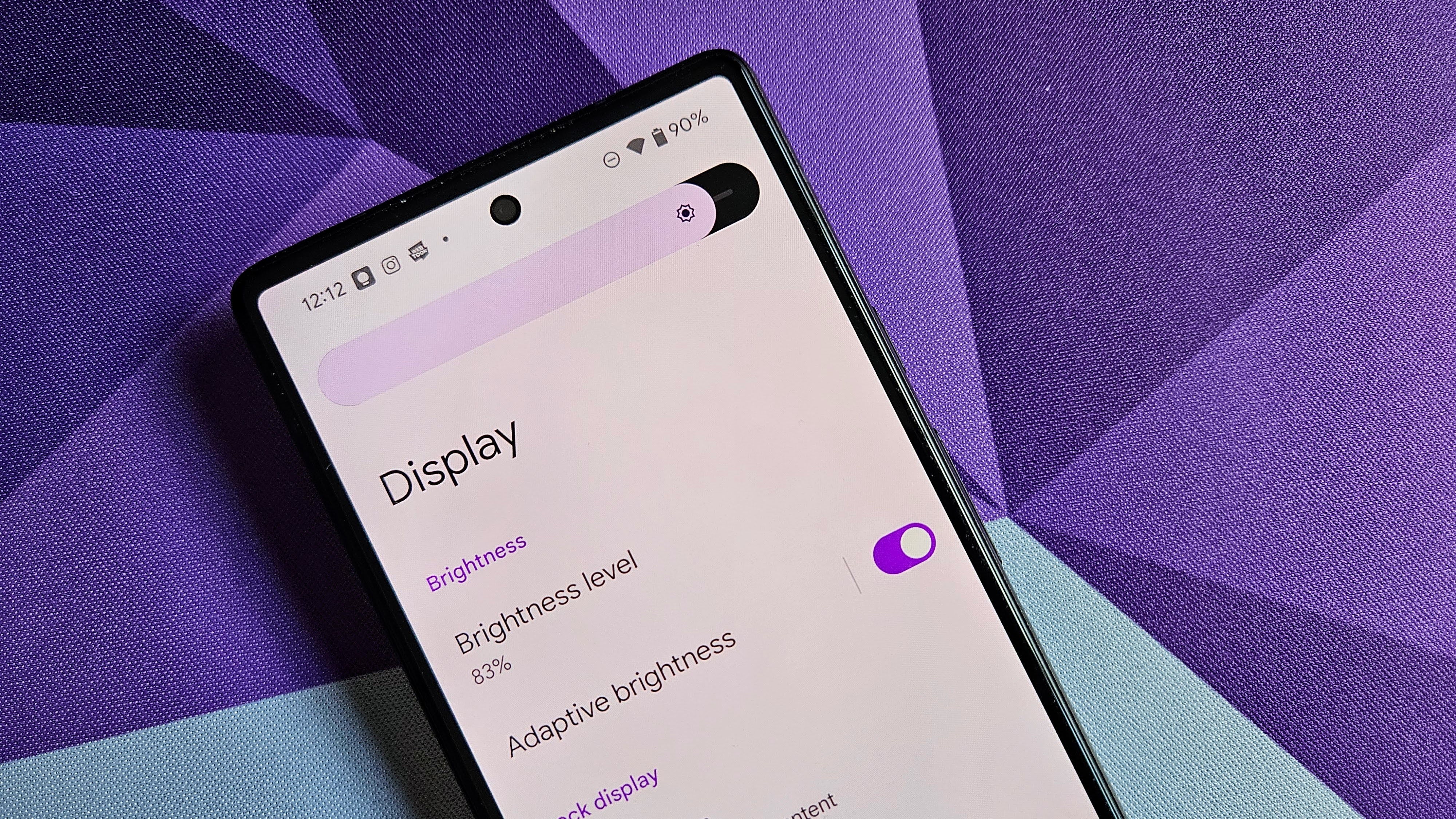
Long gone are the days when you needed to manually adjust your phone’s display brightness every time you walked from one room to another. Adaptive brightness is now standard even on the most bare-budget phones, but sometimes, you just have to do it yourself.
Does auto-brightness take too long to brighten up your screen after walking outside? Are you tired of your screen weirdly flickering brighter and dimmer while sitting under the exact same lighting conditions? Is the minimum brightness still too much for your hangover-stung eyes to gaze upon? We’re here to help you adjust the display brightness on your Android phone as quickly and cleanly as possible. Let’s get started.