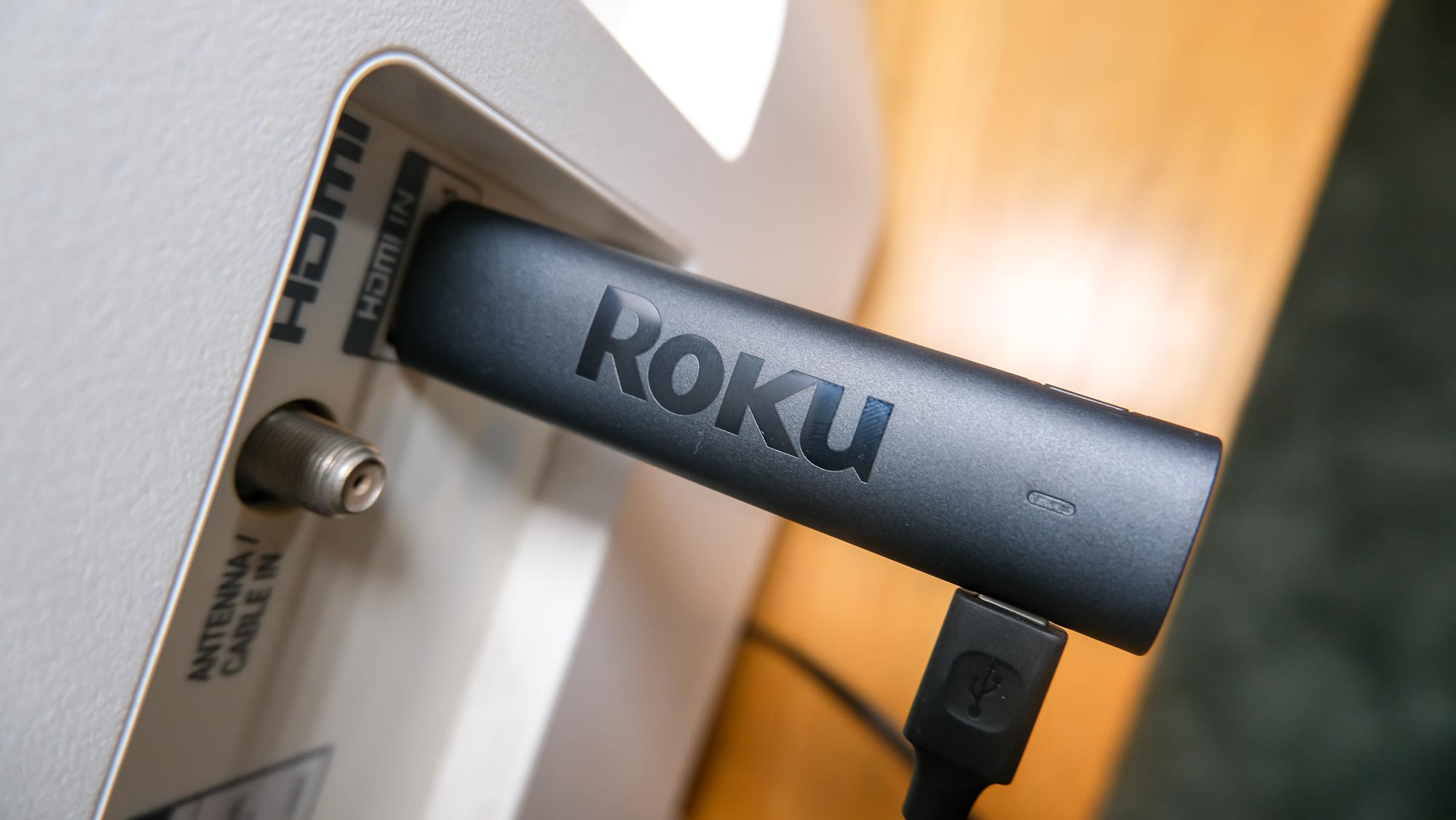
Experience the secret Roku menus and get yourself full control over your TV or streaming device. Given Roku is one of the most popular interfaces right now, knowing how to access its secret menus is an absolute must if you want to get the most out of your device. The platform, after all, isn't perfect and definitely could use additional levels of personalization.
Enter Roku's secret menus, wherein the best Roku devices come to life in extraordinary ways. With our trusty guide, you'll learn how to take full control of your Roku streaming device, netting you better insights on connected devices, ads controls, screenshots, and so much more.