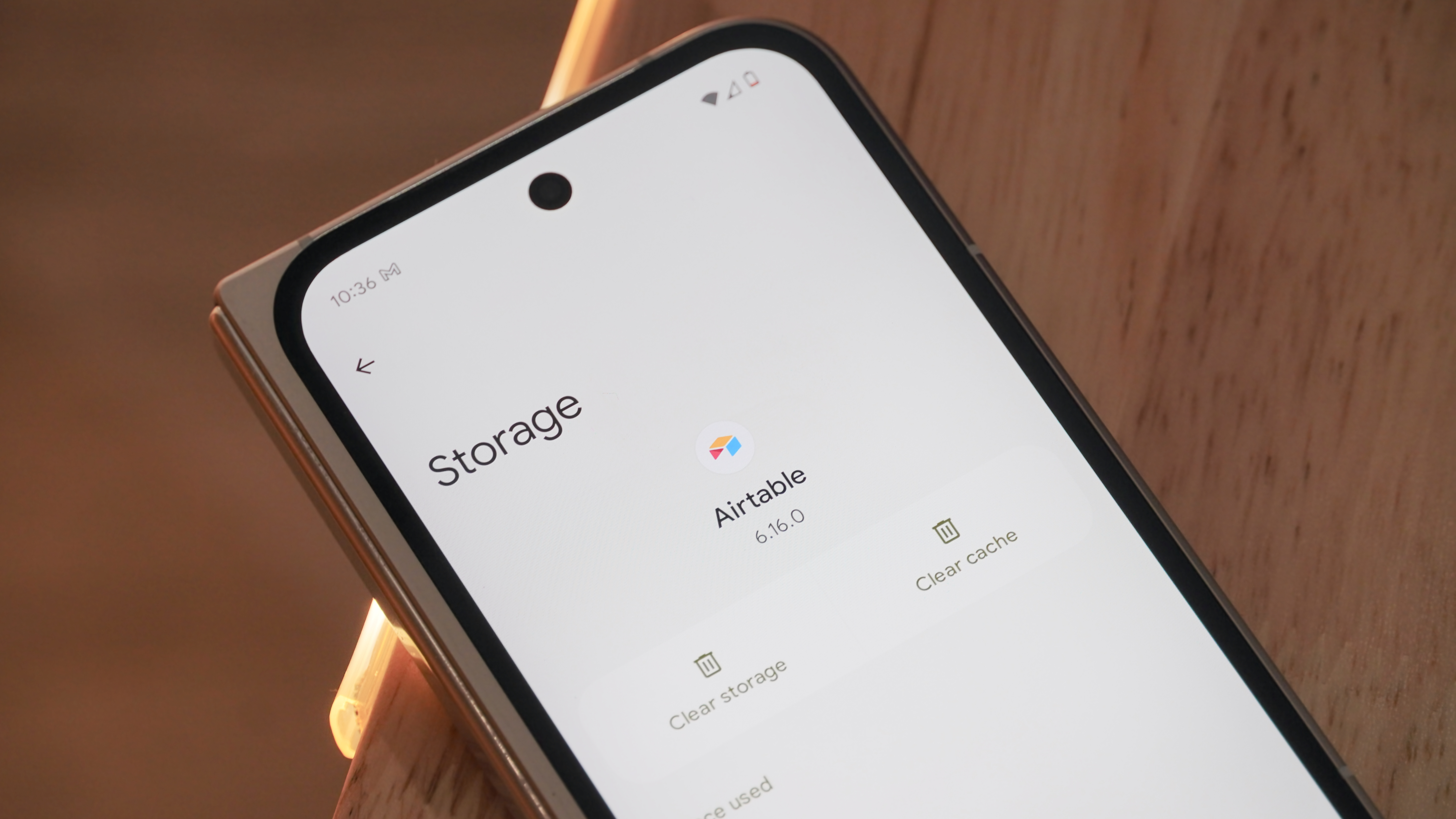
There are plenty of reasons why an app might not be working as expected on your Android phone, and just as many troubleshooting steps you can take. If you've already tried force stopping an application and restarting your device, what comes next? In many cases, you might want to try clearing an app's cache to solve common problems.
Every Android smartphone has an application manager that you can get to through the settings menu. It's usually in the top level somewhere, though it can vary a little by phone. But once you get to it, you're at the heart of the matter. This area is where you can see every application that's installed on your phone or tablet. And it's a handy place to clean things up a bit should they go wonky.