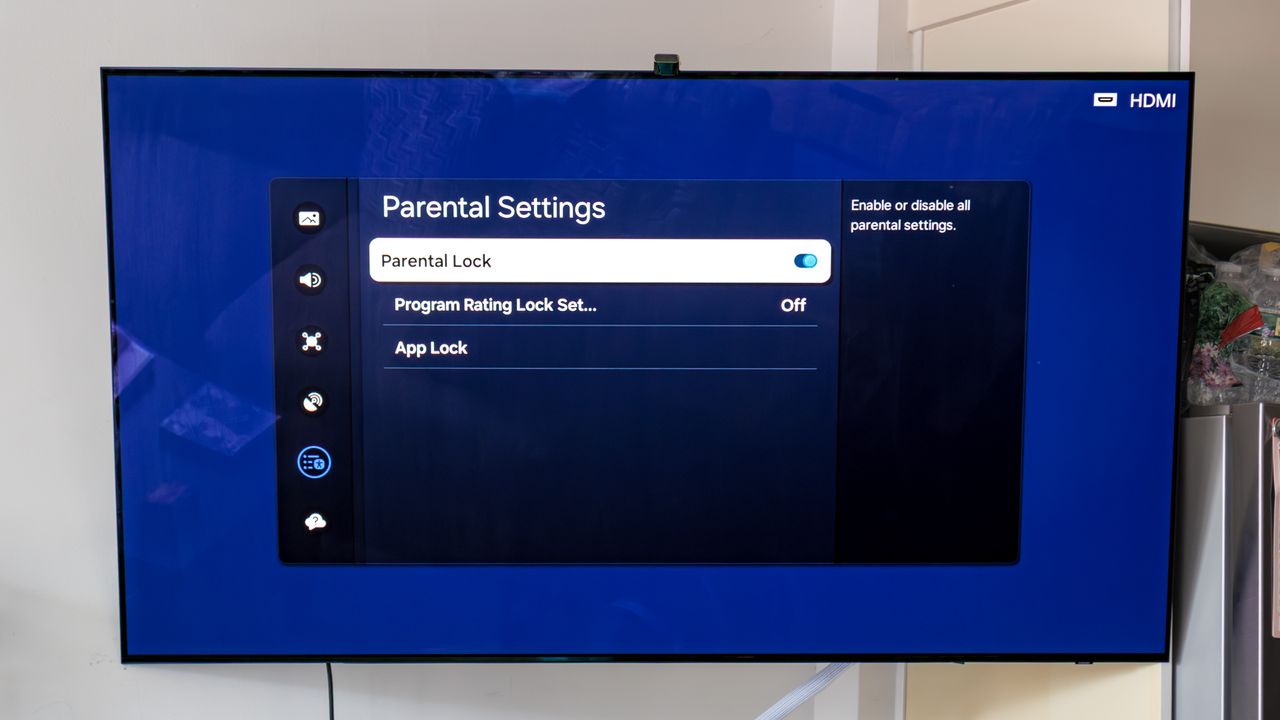
If you have a young child and want to control the content they have access to and see, parental controls on your TV are key. You could enable these on each app individually, but that can a bit of a pain, and most of the best TVs come equipped with their own special parental controls to streamline app access, restricted content, and more.
While many displays do have parental controls, some will have more extensive controls than others. For instance, Google TV has some of the widest and most advanced parental controls for TVs, while LG and Samsung don't quite hit all of the features you might want.