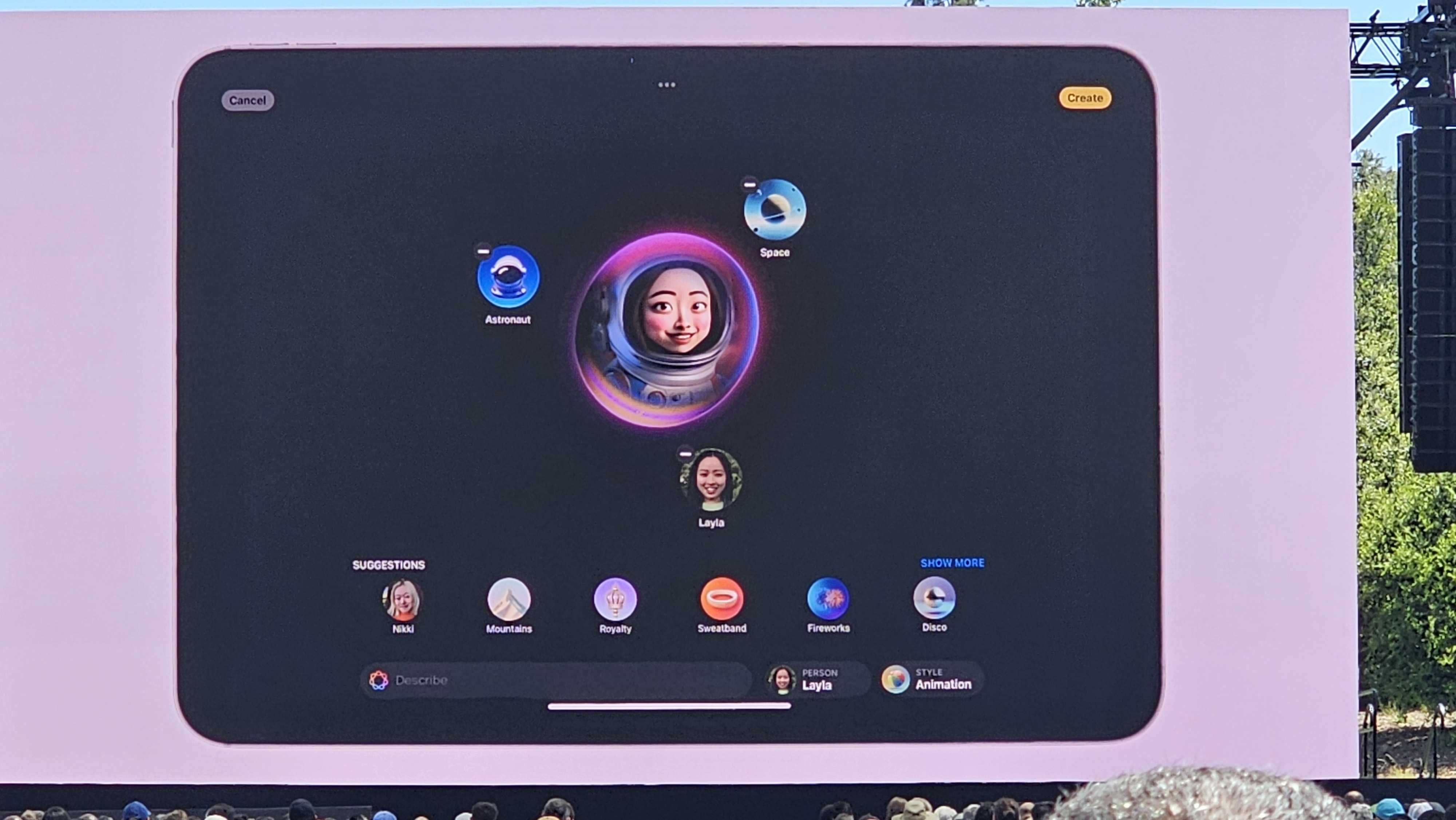
Yes, alongside ChatGPT integration for Siri and the long-awaited arrival of Genmoji, iOS 18.2, iPadOS 18.2, and macOS Sequoia 15.2 also add an entirely new application to your Apple device. Whether you find it on your iPhone or iPad’s home screen or in the Applications folder on a Mac, fear not of this furry cat floating in a purple, holographic, circle-looking app.
It’s Apple’s Image Playground and one of the most fun additions, coming with Apple Intelligence in the second wave of features. Now, just like Genmoji, it’s text-to-image generation, but it’s not just limited to creating emojis. Rather, you’re creating a square image in a selected illustration style that can feature you or someone else – if they’re in your photos – and you can add a bunch of terms to set the scene.