Get all your news in one place.
100’s of premium titles.
One app.
Start reading
Tom’s Guide
Tom’s Guide
Technology
Tom Pritchard

Having Safari browsing trouble on iPhone? You’re not alone — Apple’s Private Relay system is having problems

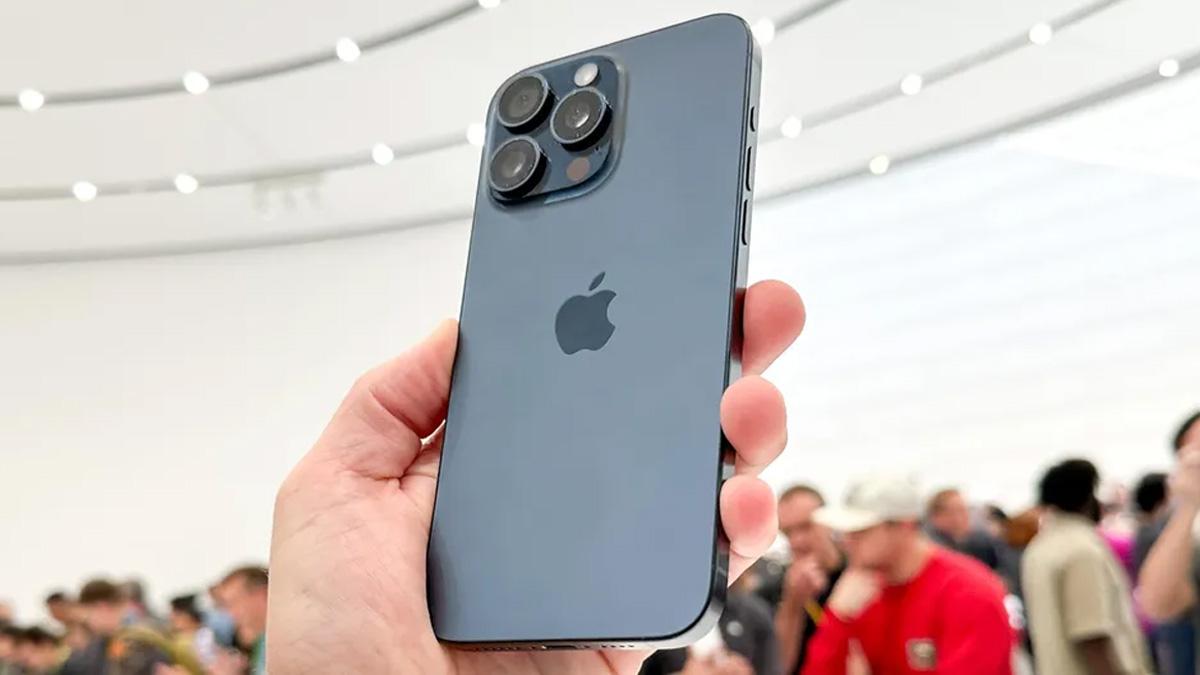
Silver iPhone model being held at an event.

If you’ve been having issues with the web browser on your Apple devices over the past several hours, then you’re probably not alone. Apple has reported that the iCloud Private Relay has been experiencing an outage since 2 p.m. ET yesterday, and according to the status page it’s still ongoing at the time of writing (4:32 a.m. ET).

iCloud Private Relay is a system bundled as part of Apple’s iCloud+ and Apple One subscriptions. It sends internet requests through two different (and separate) secure internet relays — one controlled by Apple and another by a third party. All Apple devices produce those requests when you’re browsing, regardless of whether it’s an iPhone, Mac or even a Vision Pro

The general idea is that by using this second relay, Apple isn’t able to see who users are or the kind of content they're viewing online. That means an outage like this is a problem, and may be affecting your web browsing experience until it’s fixed. Apple’s status page notes that service may be “slow or unavailable” but only specifies that “some users are affected”. 

It’s not clear how many affected users there are, or how widespread the issue is. But if the browser on your Apple device is not behaving as it should, and you have Private Relay enabled, then this may explain some things.

If you don't have subscriptions to iCloud Plus or Apple One, or if you already have Private relay switched off, then any browsing problems you might experience will likely be due to something else. Wi-Fi or cellular signal issues, most likely.

Thankfully for those affected Private Relay can be switched off until Apple fixes the problem. Simply head to Settings > [Your Name] > iCloud > Private Relay. You then have the choice to Turn of iCloud Private Relay temporarily, which will switch the feature back on tomorrow morning, or you can Turn off iCloud Private Relay completely. That’s a more permanent solution, and requires you to switch Private Relay back on manually. 

More from Tom's Guide

Sign up to read this article
Read news from 100’s of titles, curated specifically for you.
Already a member? Sign in here
Related Stories
Top stories on inkl right now
Our Picks
Fourteen days free
Download the app
One app. One membership.
100+ trusted global sources.