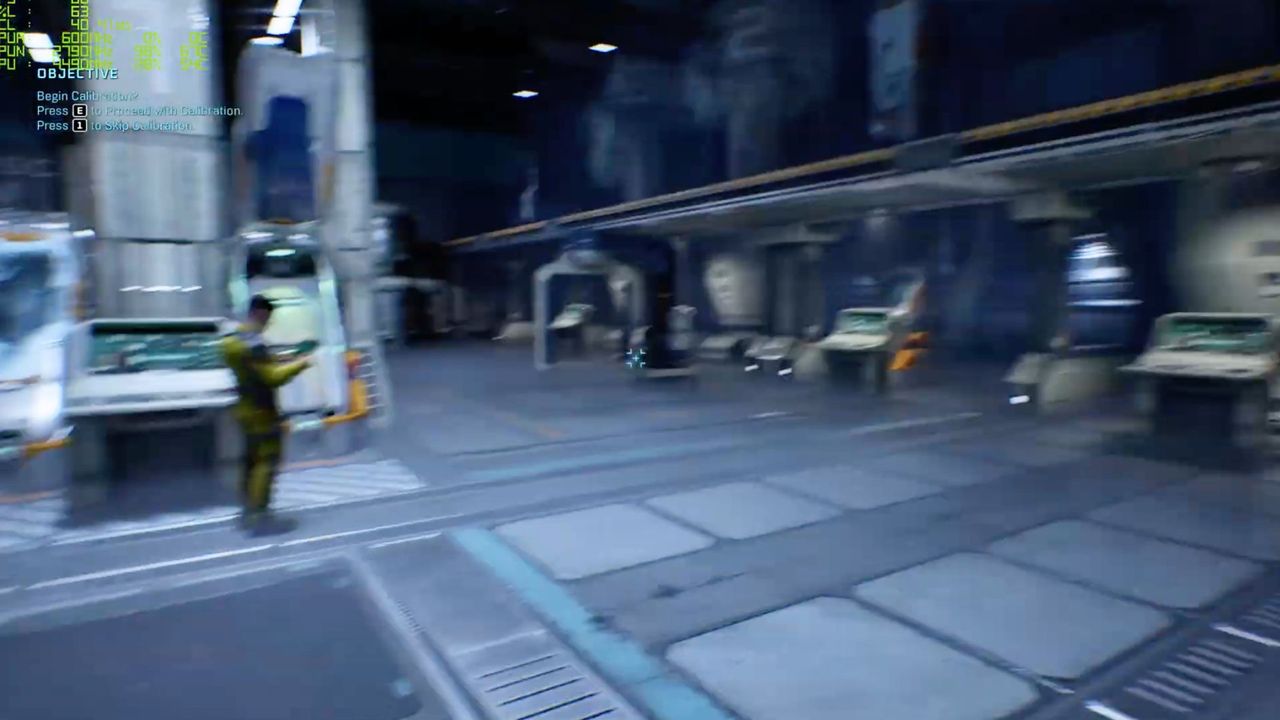
It's wise to turn off motion blur in any game that will let you, but Halo: Campaign Evolved has some of the worst I've experienced in recent times—and that goes doubly so for handhelds and lower-end rigs. If you're running between 30 and 60 fps, the game becomes a nightmare of blurred frames with no more than a small shift of the head.
Luckily, it's easy to turn off. Simply go into the settings menu, find the video tab, and then scroll down until you find motion blur. Given the amount of grenades in the game, I'd probably turn off screen shake while you're down there too.