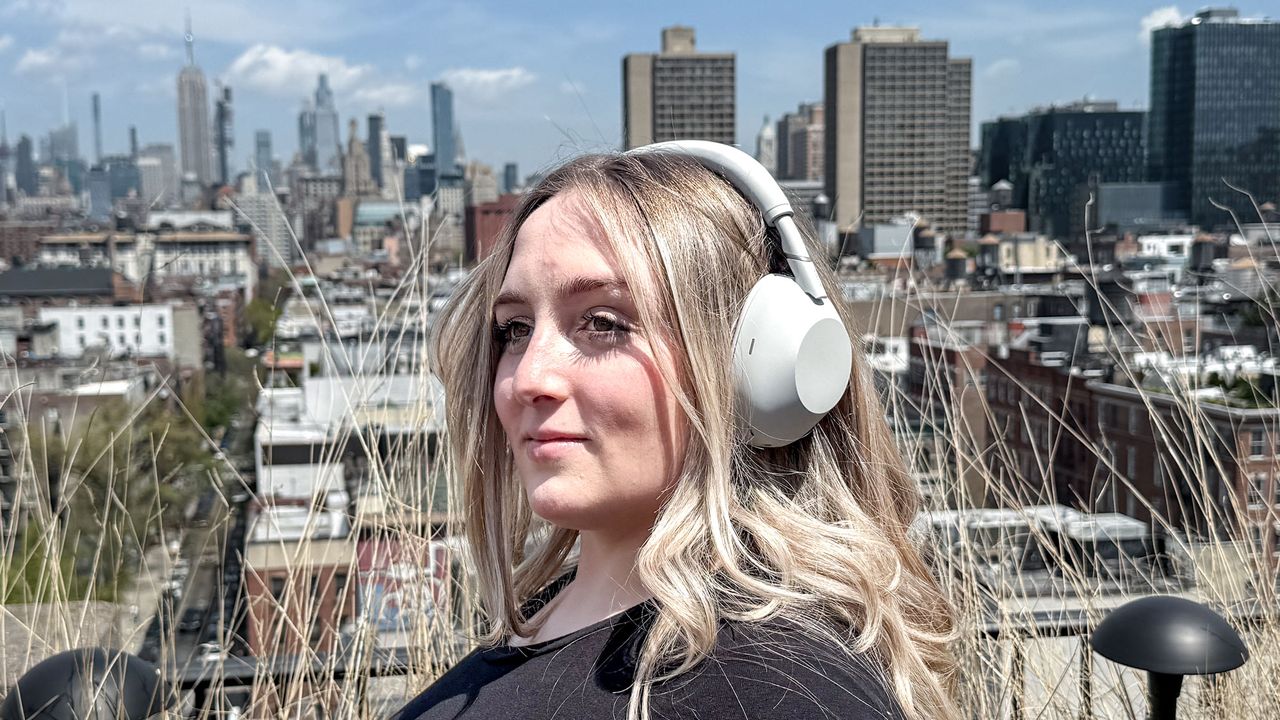
The Sony WH-1000XM6 are some top-quality headphones, featuring excellent ANC and good sound quality. But did you know that all of the best headphones can benefit from some settings tweaks in their applications?
All it takes is some time and some helpful tips, and you can push your great headphones up to barnstorming headphones. I've managed to dial my WH-1000XM6 in exactly as I like them, to the point that they replaced my Bose QuietComfort Ultra Headphones gen 2 as my ANC cans of choice. Here's how I did it.

1. Activate DSEE

DSEE is very cool indeed, especially if you use an iPhone. It's a clever AI upscaler, like those that take DVD quality movies and brings them up to modern standards in your fancy TV, only it works for music.
It takes previously lower-quality MP3s from sources like Spotify and then enhances their sound quality. For iPhone users who don't have access to higher-quality codecs like LDAC and AptX, this is an audio game-changer.
To activate the setting, open the Sony Sound Connect app and navigate to the Headphone settings menu. From there, find the Sound Quality/Volume menu, and select DSEE Extreme. Set it to Auto, and you're away!
Bare in mind that it uses more battery, so be prepared to offer up the staying power of your headphones on the alter of sound quality. It's a sacrifice worth making.
2. Change the EQ

Out of the box, the WH-1000XM6 sound very good. They're very focussed on the vocals, and still suffer from "flagship headphone-itis" — they're obsessed with low-end to an almost pathalogical degree. It's no great problem, but I find that dialling things in to compensate can make a really big difference to their sound.
You'll want to find the EQ menu first. It's located on the Homepage of the Sony Sound Connect app. Hit the big button, and now you've got a couple of options. There's a good few EQ presets you can use to dial the sound, so that you don't have to get your hands dirty. I like Clear as a good baseline — it raises the highs for a more up top. Cymbals, etc.
For those who want even more granular control, hit the edit button. This will give you a full 10 levels of adjustment. I like to bring the sub and mid-bass down a little to take out some of the rumble.
3. Setup spatial audio

If you're going to be sampling the spatial audio talents of Amazon Music Unlimited, then you're going to need to dial in the 360 reality audio and spatial audio settings of the WH-1000XM6. It's super simple to do, thankfully, and makes your Dolby Atmos experience a whole lot more engaging.
Head to the Settings menu in the Sound Connect app, and look for the Sound Quality/Volume tab. From here, you'll need to initialize the Spatial Sound Optimization. Follow the on-screen instructions, and you're away!
Then there's the 360 Reality Audio Setup. This only works with a few different Sony applications, but it's worth doing to make sure you're all squared away for spatial audio systems.
4. Make sure you're using LDAC

Sad news for iPhone folks — this one is only going to work for Android users. LDAC is a higher quality codec, pumping much higher-findelity music over Bluetooth directly to your earholes. So that you can hear them.
Much like DSEE above, this also dents the battery life of your headphones and can make the Bluetooth connection spottier, but it's well worth it.
Find the setting in the Sound Connect app. It's hidden away in the Settings menu, and then the Sound Quality/Volume section. Find the LDAC setting, and toggle it to Auto. Some Android phones don't support the higher quality audio standard, so make sure your device does by checking its specs.
5. Turn off ANC

OK, so this one is going to take some explaining. Part of ANC uses the frequencies of the music that you're listening to to counteract the noise of the outside world. It's designed to be as unobtrusive as possible, but the algorithm is so strong to make the ANC better that some sonic differences are noticeable.
I've found that it makes your music slightly bassier to compensate for sounds outside. In order to make sure that the audio has as much of a chance of sounding great as possible, I turn the ANC off when I don't need it. Now the sound has more of a chance to breathe.
It's super simple and makes a surprising difference. Bonus — extra battery life! You can turn the ANC off by heading to the Sound Connect app, selecting the Ambient Sound Control tab, and picking the Off setting.

Follow Tom's Guide on Google News and add us as a preferred source to get our up-to-date news, analysis, and reviews in your feeds.
More from Tom's Guide
- 5 Bose headphone and earbuds settings you need to change right now for better sound and more features
- 'Punch way above their weight' — my new speakers are a masterclass in how to shuck off a 'budget' stereotype
- Don't buy those AirPods Pro 3 just yet — Sony is unveiling 'a new form of listening' next week