Get all your news in one place.
100's of premium titles.
One app.
Start reading
Windows Central
Windows Central
Technology
Mauro Huculak

Got a new Copilot PC? Here’s the setup trick that makes Windows 11 feel brand new

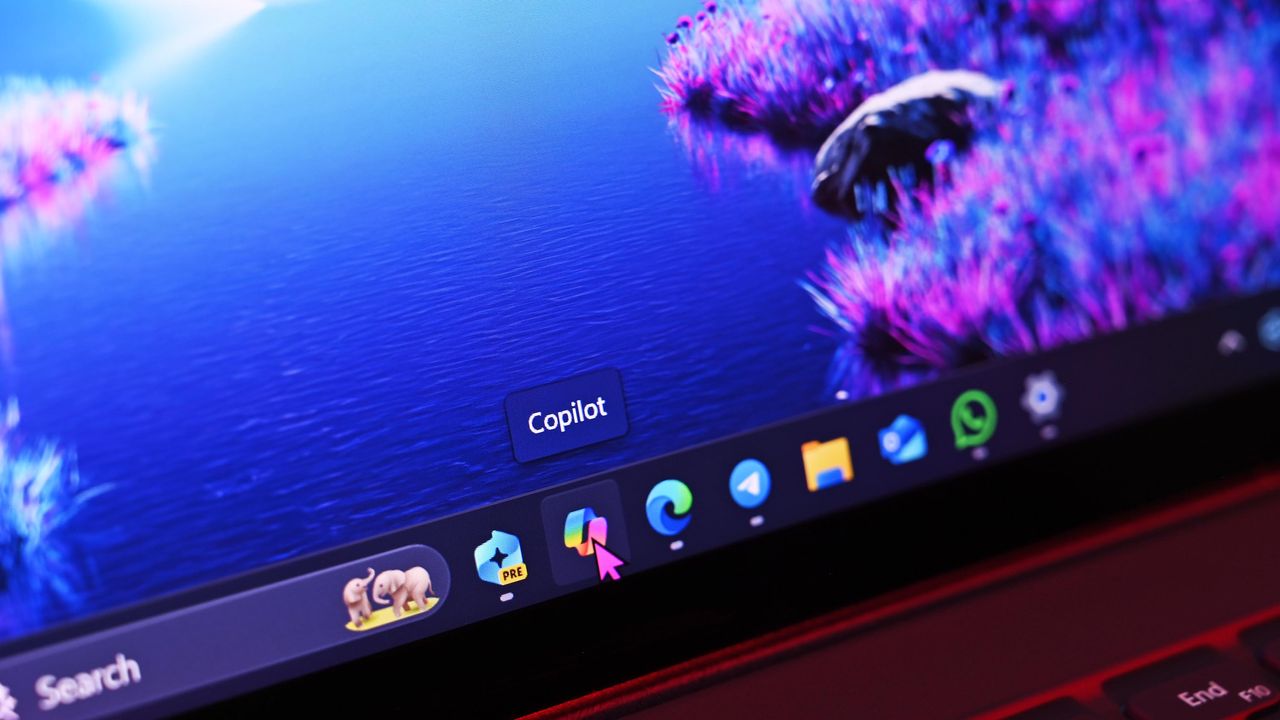
Microsoft's Surface Pro 12-inch 1st Edition (2025) powered by Qualcomm Snapdragon X Plus processor. .

Do you have a new Copilot+ PC? If so, the first step is tuning the system so it matches your workflow and performance expectations. The initial setup is straightforward, but getting the most out of an NPU-powered device requires more than signing in and accepting the defaults.

After you finish the Out-of-box Experience (OOBE) on a Copilot+ PC, your next step should be removing any apps you don't need and ensuring Windows 11 is fully up-to-date. From there, install the core tools you depend on, bring over your files from the previous device, and adjust system preferences to match your performance and visual requirements.

Sign up to read this article
Read news from 100's of titles, curated specifically for you.
Already a member? Sign in here
Related Stories
Top stories on inkl right now
One subscription that gives you access to news from hundreds of sites
Already a member? Sign in here
Our Picks
Fourteen days free
Download the app
One app. One membership.
100+ trusted global sources.