Get all your news in one place.
100’s of premium titles.
One app.
Start reading
Android Central
Android Central
Technology
Brady Snyder

Google Translate will now let you pick between speed and accuracy

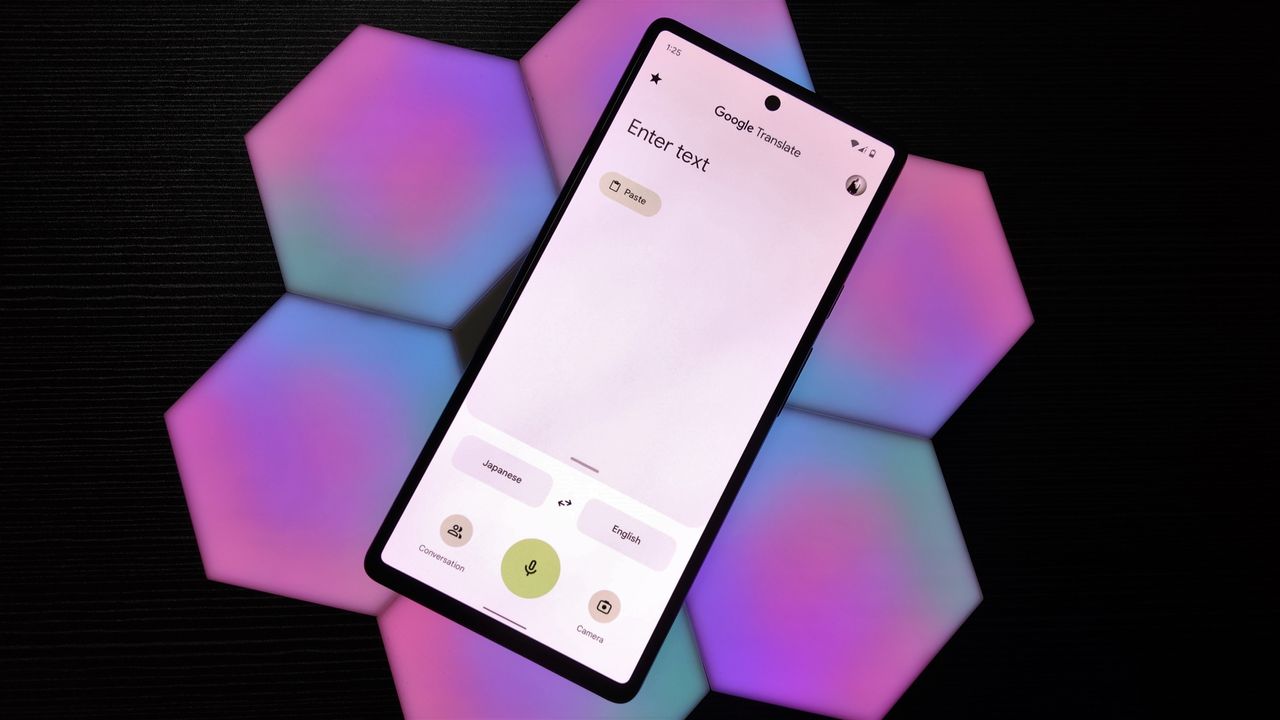
Google Translate app on a Google Pixel 6.

What you need to know

  • Google Translate is debuting a picker that'll let users change the model powering their text translations.
  • Following the update, users will have the choice between prioritizing speed or accuracy.
  • The model switcher lives under the Google Translate logo, and the model with better accuracy is enabled by default.

Enjoy our content? Make sure to set Android Central as a preferred source in Google Search, and find out why you should so that you can stay up-to-date on the latest news, reviews, features, and more.

Google Translate is rolling out a model switcher that lets users choose between faster translations and better accuracy, as spotted by 9to5Google. The model picker currently has "Fast" and "Advanced" selections, with the latter being the default option. Following the Google Translate app tweak, users will be able to tap below the Google Translate logo to switch between models.

Google calls these additions "text-translation models," with the Advanced version offering "high accuracy for complex translations." Users can switch to the Fast alternative, which is "best for quick translation." The model picker isn't showing up for everyone yet. 9to5Google discovered it on the iOS version of the Google Translate app, but it hasn't appeared for Android Central on either the iOS or Android apps yet.

The choice of text-translation models will only apply to typed translation requests, as the name suggests. At the bottom of the model switcher, there's a disclaimer explaining the following: "Advanced is supported for text translation only in select languages." It's unclear which languages are currently supported, if the model picker is restricted to paid Google AI Pro or Google AI Ultra subscribers.

As the model switcher is for text-only requests, it won't affect live translation, a feature that is gaining popularity across translation tools and brands. Google Pixel Buds Pro 2 and Pixel Buds 2a users can take advantage of live translation, but they can't manually pick the translation model powering the feature.

First look at the Google Translate model picker

(Image credit: 9to5Google)

As you can see in the screenshots from 9to5Google above, a pill appears under the Google Translate model noting the text translation model currently active. If your Google Translate app hasn't received the update yet, you won't see a pill under the logo.

When available, Google Translate app users can tap the pill-shaped model indicator to switch between Fast and Advanced. By default, users will still get the most accurate translation model, but they now have the option to prioritize speed for certain situations.

Sign up to read this article
Read news from 100’s of titles, curated specifically for you.
Already a member? Sign in here
Related Stories
Top stories on inkl right now
One subscription that gives you access to news from hundreds of sites
Already a member? Sign in here
Our Picks
Fourteen days free
Download the app
One app. One membership.
100+ trusted global sources.