Get all your news in one place.
100's of premium titles.
One app.
Start reading
TechRadar
TechRadar
James Rogerson

Google Messages finally has custom backgrounds and themes — here’s how to personalize your chats

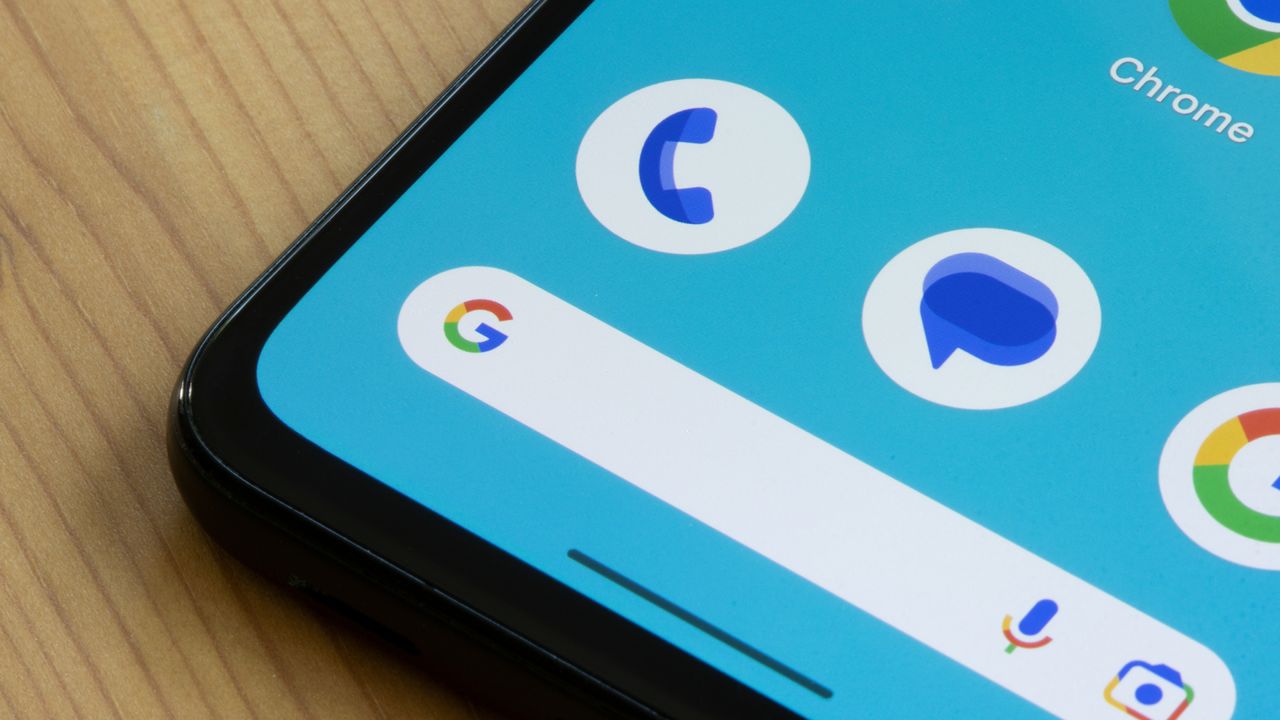
The bottom left corner of an Android phone, showing the Phone, Messages, Google icons and Google Search bar.
  • Google Messages now lets you customize your chats
  • You can change bubble colors and wallpapers for each chat individually
  • RCS must be enabled to do this

Despite having been around for a long time, Google Messages hasn’t let you properly customize chats in the past. But now this feature has finally rolled out.
Sign up to read this article
Read news from 100's of titles, curated specifically for you.
Already a member? Sign in here
Related Stories
Top stories on inkl right now
One subscription that gives you access to news from hundreds of sites
Already a member? Sign in here
Our Picks
Fourteen days free
Download the app
One app. One membership.
100+ trusted global sources.