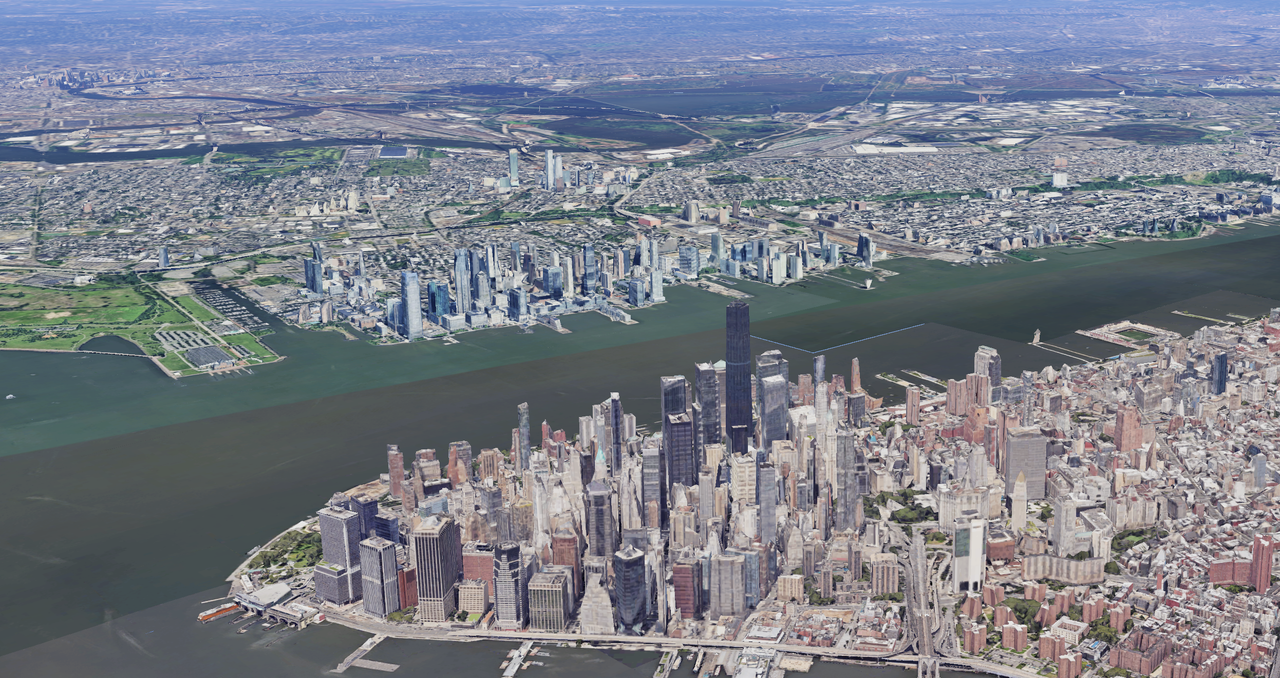
Google Earth does something unexpected if you know where to look. While billions of people use it as a maps app, it secretly functions as a fully operational flight simulator. The barrier to entry has always been quite high — you needed the desktop app, had to dig through menus, and even then, most people had no idea it existed.
This week, Google removed that barrier entirely. The simulator is now accessible through your web browser on any device. You can pilot a virtual plane to almost any location on the planet instantly. Here's how to use it.

How to access Google Earth's flight simulator
Open Google Earth on the web by visiting earth.google.com. Click the Explore Earth button in the top right corner. Then simply use the search bar to navigate to any location on Earth where you want to fly.
How to launch and fly
Once you've found your starting point, click Tools at the top of the screen. The flight simulator is the last option in the menu.
The controls aren't immediately obvious, but they're straightforward. Use your mouse or arrow keys to control the airplane's pitch and roll. Up increases thrust while Down decreases it.
The controls can be quite sensitive and it's easy to lose control mid-flight, sending your browser screen spinning. If you crash, Google lets you restart instantly and try again as many times as you want.
What makes Google flight simulator worth trying
This isn't a game with progression systems or competitive leaderboards. There's no objective beyond your own curiosity. That's actually its strength. Without the pressure of missions or achievements, you're free to experiment purely for the sake of exploration.
For most people, the appeal lies in something flight simulators typically don't offer: accessibility without commitment. You're not downloading software or learning complex systems. You're just opening a browser and flying.