Get all your news in one place.
100's of premium titles.
One app.
Start reading
Android Central
Android Central
Technology
Sanuj Bhatia

Google AI is creeping into every app on your phone. Here is how to disable it

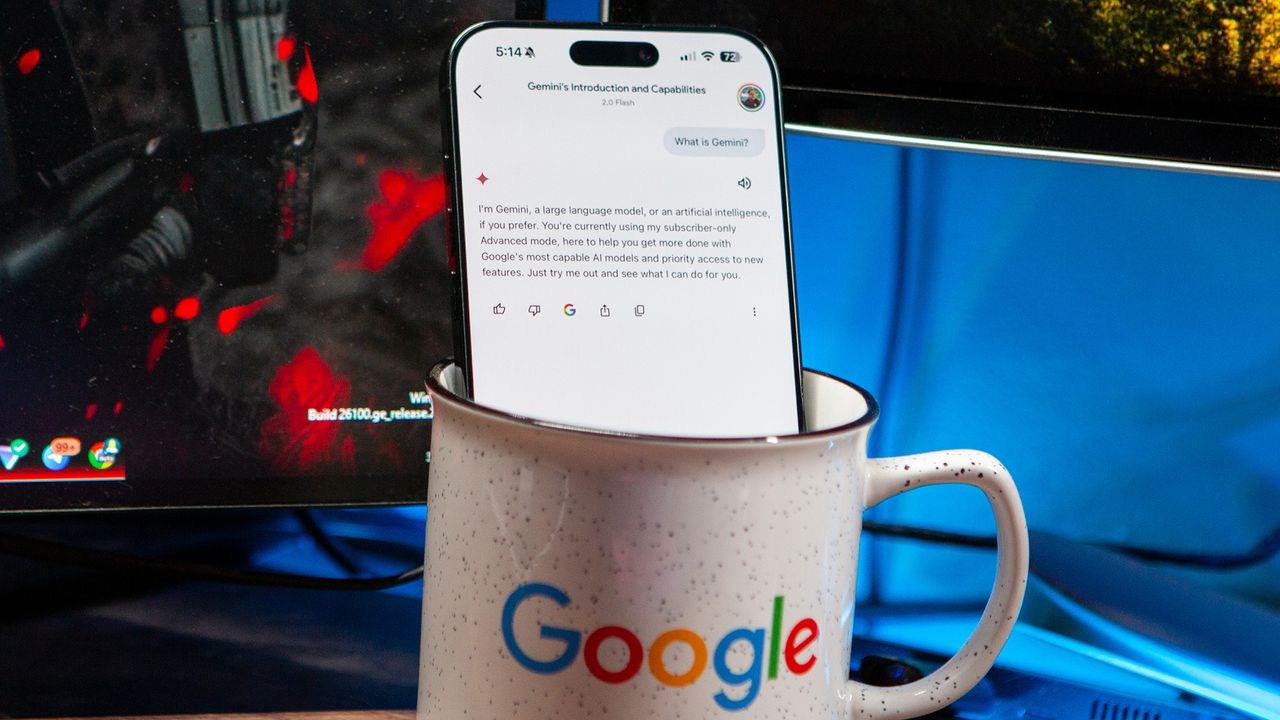
Google Gemini response on iPhone 16 Pro Max.

If you've followed any Google announcements recently or used its apps over the past couple of years, you've probably noticed one thing, everything is now about AI. From Gmail and Google Drive to Docs and even Messages, Gemini has made its way into almost every Google app, whether you asked for it or not.

For me, AI still feels like a bit of a buzzword. There are only a handful of use cases on my phone that I actually find useful. If you're in the same boat and want to cut down on Google AI features across your apps, this guide will walk you through how to do exactly that.

Sign up to read this article
Read news from 100's of titles, curated specifically for you.
Already a member? Sign in here
Related Stories
Top stories on inkl right now
One subscription that gives you access to news from hundreds of sites
Already a member? Sign in here
Our Picks
Fourteen days free
Download the app
One app. One membership.
100+ trusted global sources.