Get all your news in one place.
100’s of premium titles.
One app.
Start reading
Android Central
Android Central
Technology
Sanuj Bhatia

Gemini is rolling out a new button when you want a faster answer

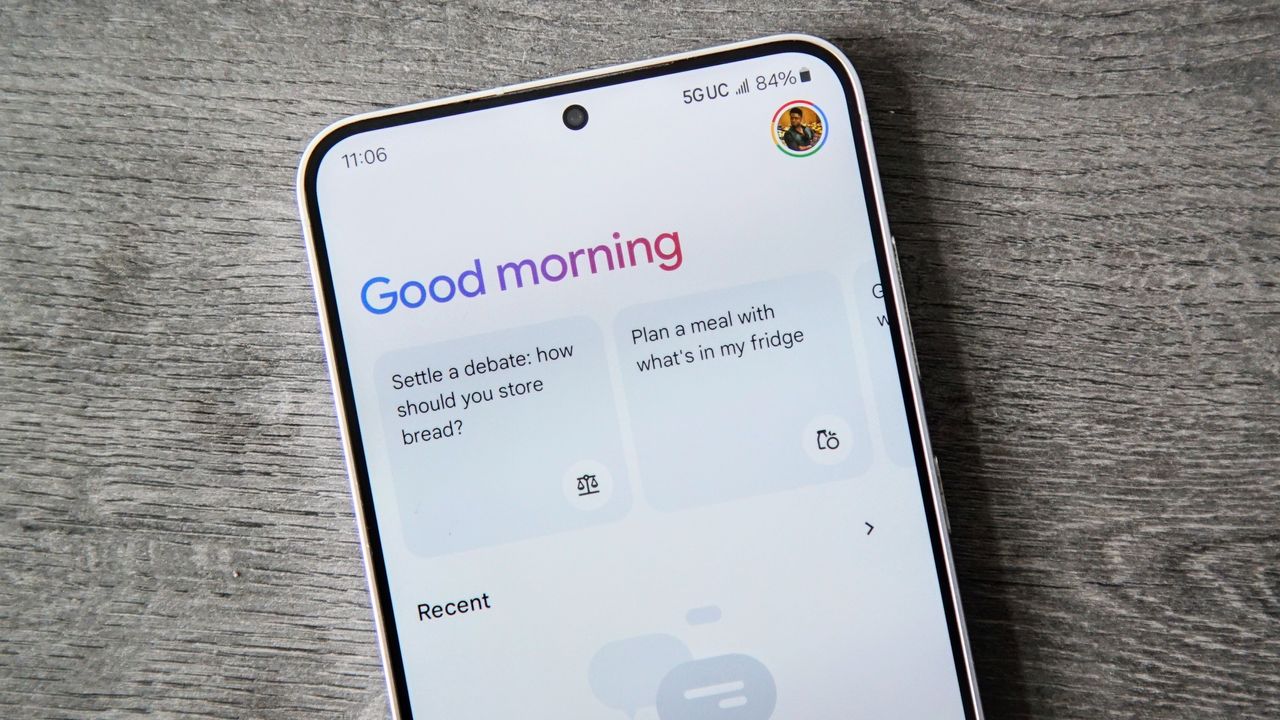
The Google Gemini app.

What you need to know

  • Gemini now shows an "Answer now" button that lets you skip long reasoning and get responses faster when using Pro or Thinking models.
  • The new button delivers quicker answers without switching models, unlike the older Skip option that forced Gemini Fast.
  • Google is rolling out the feature to web, Android, and iOS, though iOS still shows Skip despite identical behavior.

Gemini is gaining a new feature that lets you get an answer faster when the chatbot takes too long to respond.

Google rolled out a major update to Gemini last week, allowing it to tap into your personal information for what it calls "Personal Intelligence" answers. This lets Gemini reference your data to deliver responses that are more personalized. Alongside that update, Google now appears to be rolling out another quality-of-life improvement aimed at speeding things up when you want a quicker response.

As spotted by 9to5Google, Google is introducing a new "Answer now" button in Gemini. When you use the Gemini 3 Pro or Gemini 3 Thinking models and ask a question, you will now see an "Answer now" button appear next to the spinning status indicator while Gemini is generating a response.

Google adds a faster way to get Gemini answers

(Image credit: Future / Android Central)

Tapping this button skips the in-depth thinking process and delivers a faster answer, exactly as the name suggests. The button does not appear when you are using the Gemini 3 Fast model, since that model already prioritizes speed by default.

A similar feature existed in the Gemini app before, but it worked slightly differently. Previously, a "Skip" button would appear and automatically switch the model to Gemini Fast, regardless of what you had selected.

This time, Google has changed the behavior so that Gemini continues using the currently selected model, either Pro or Thinking, and simply returns an answer faster. You can confirm this by checking the model used via the three-dot overflow menu.

Google appears to be rolling out this change broadly to both free and paid users across the web, Android, and iOS. That said, the iOS app still shows the old "Skip" button instead of "Answer now," even though the underlying behavior now matches the updated implementation.

Sign up to read this article
Read news from 100’s of titles, curated specifically for you.
Already a member? Sign in here
Related Stories
Top stories on inkl right now
One subscription that gives you access to news from hundreds of sites
Already a member? Sign in here
Our Picks
Fourteen days free
Download the app
One app. One membership.
100+ trusted global sources.