Get all your news in one place.
100's of premium titles.
One app.
Start reading
Tom’s Guide
Tom’s Guide
Technology
Peter Wolinski

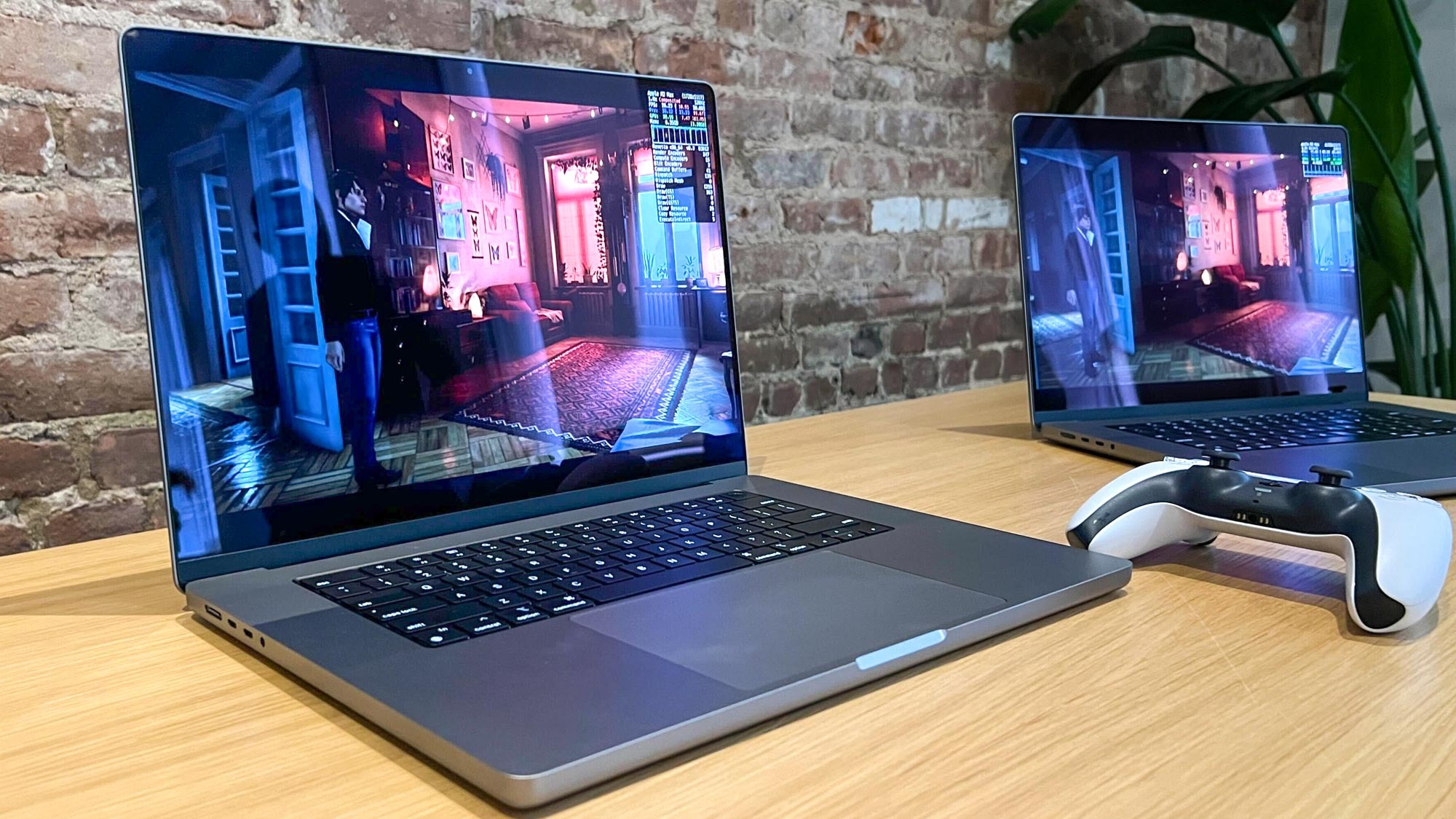
Gaming on Mac? Disable this hidden macOS Sonoma setting now

Mac gaming.

If you play games you'll want to disable mouse acceleration on your Mac. That's because while mouse acceleration can be great, it can cause inconsistent mouse cursor speeds, which is less than ideal when gaming.

Simply put, mouse pointer acceleration boosts the speed your cursor moves if macOS detects that you're moving your mouse at a certain speed or intensity. Essentially, it takes you physically moving your mouse more quickly to mean that you want the cursor to move fast, so it increases the speed even further.

Sign up to read this article
Read news from 100's of titles, curated specifically for you.
Already a member? Sign in here
Related Stories
Top stories on inkl right now
One subscription that gives you access to news from hundreds of sites
Already a member? Sign in here
Our Picks
Fourteen days free
Download the app
One app. One membership.
100+ trusted global sources.